On this page
TL;DR
Swift development on Windows is possible for the language itself: write, build, and run command-line and back-end Swift through the official swift.org 6.3.2 toolchain (WinGet plus VS Code). But Xcode, the iOS Simulator, code signing, and App Store submission still need a Mac, or a rented cloud Mac.
Swift is the only programming language for native iOS apps. It enables the user experience and specific visual rendering, which makes Apple devices popular.
Yet, the Swift programming language has limitations. It can only be used with Xcode and requires a macOS environment.
This may be challenging for teams working with other tool sets or those that can only access the Windows OS.
Luckily, Swift development on Windows is still possible. Cloud solutions, virtual machines, and cross-platform tools will help you code Swift without buying an expensive Mac.
In this article, we’ll show you how.
Can you program in Swift on Windows?
Yes. Swift on Windows is officially supported today, so the language runs natively without a Mac. Apple’s swift.org toolchain lets you write, build, and run Swift for command-line and back-end work. No workaround required. The language on Windows has official support from swift.org, with a maintained toolchain and a first-party VS Code extension.
So the old idea that you “should officially use Xcode” only tells half the story. What you still cannot do on Windows is build, test, sign, or submit iOS apps. SwiftUI and UIKit need Xcode and the iOS Simulator, both macOS only, so a Mac (or a rented cloud Mac) comes back in for App Store work.
Key methods for Swift development on Windows
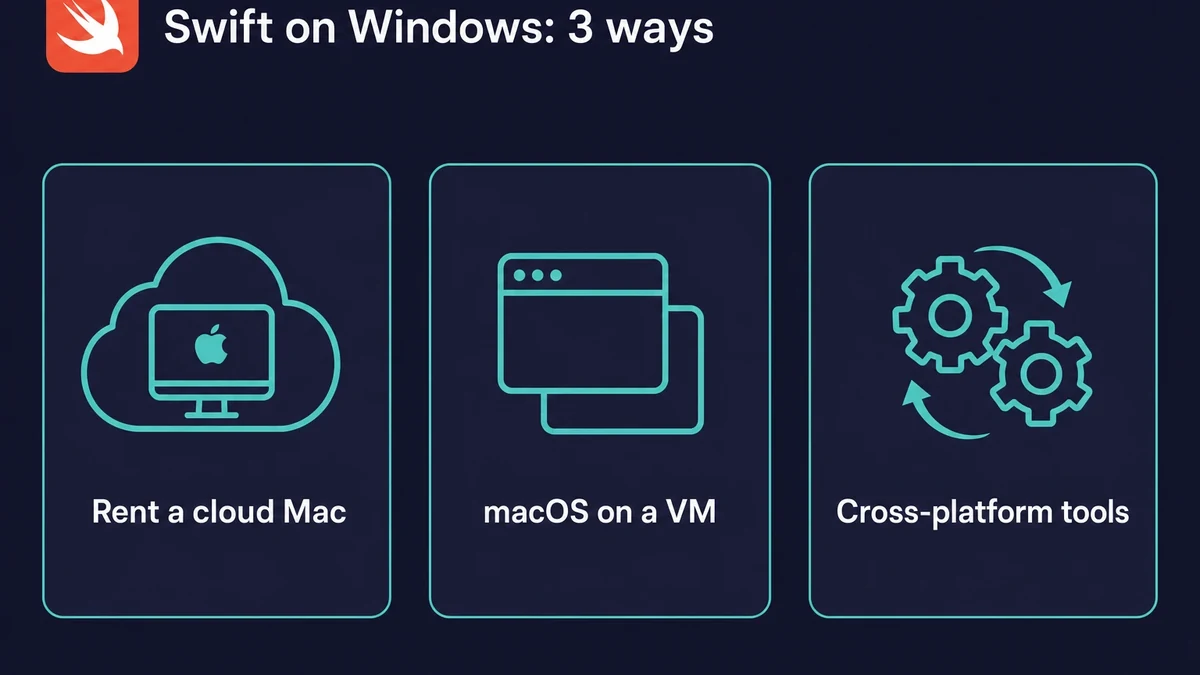
If you want to develop Swift applications on Windows, here’s a short list of methods:
1. Rent a cloud Mac: get the benefits of Mac computing on a time-share basis
2. Installing macOS on a virtual machine: Install Swift development tools on a VM
3. Cross-platform development tools: develop hybrid apps compatible with Android and iOS.
Swift coding with rent-a-Mac solutions
Mac rentals provide access to real Macs on a subscription basis, allowing you to rent a Mac online for a specific period.
Rent-a-Mac services give you high-speed access to the latest Mac devices, which are expensive if bought physically.
This method is perfect for Swift coding on Windows because it’s the closest alternative to working on a physical Mac.
Thanks to the complete integration with Apple’s ecosystem, you can access the required Xcode version and other macOS development tools. It is also the only way to test iOS apps on Windows without compromising the functionality of testing software.
Your gains from Swift development on Windows on a rented Mac also include the following:
- You don’t have to buy a physical Mac; you can rent one for your task. This is perfect for short-term projects or as a temporary substitution for a real Mac.
- You get the computing power of the latest Macs, with excellent possibilities for developing an iOS app on Windows.
- The rent-a-Mac setup is super fast: After several clicks, you can start Swift coding from your Windows PC. This is perfect when you need to scale up quickly or find a quick substitution for a computer that has gone out of order.
Not all Mac rental services are the same. Some still offer shared access, which limits performance. So it pays to compare cloud Mac providers. Pick a dedicated cloud Mac rental service over a shared one. Rentamac.io is our own offering, built on dedicated instances rather than shared time.
Remote Macs are very powerful in sustaining different tasks, even those as complex as AI app development and training large language models.
Mac minis have become especially powerful and developer-friendly in recent years, evolving from entry-level machines into performance workhorses for Swift and iOS development.
Rentamac.io offers dedicated Mac minis, granting you full administrative rights for the development period.
You can install and delete apps and development tools freely and reserve all the computing power for yourself.
Installing macOS on a Virtual Machine (VM)
The second way is to use virtual machine tools like VMware or VirtualBox. These tools will help you build a virtual machine inside your computer and install macOS.
After setting up the virtual macOS on your Windows, you can start working with Xcode and the Swift programming language.
Also, although using a virtual machine is a great way to simulate iOS on Windows, it consumes a lot of processing power. You may experience performance issues, which are especially pronounced during app testing.
Some features of Xcode may be limited on a virtual machine, as you will still have to get Apple’s license for your VM to get all of the macOS functionality. While this method allows Xcode installation, it’s still not ideal for iOS testing and simulation.
Using cross-platform development tools
Swift is the language for native iOS apps. So cross-platform Swift development means building hybrid apps. Common frameworks are React Native, Flutter, and Xamarin. React Native is one common choice. Many developers set up iOS-compatible projects on Windows, then pair them with a remote macOS environment.
These tools let you build apps for both iOS and Android from a single codebase. The hybrid process is faster and cheaper. But native apps built with the Swift programming language differ in feel and look.
Native apps reproduce the specific look of Apple’s devices in their user interface. Their iOS graphics and animation rendering also differ from hybrid apps.
Installing Swift on Windows
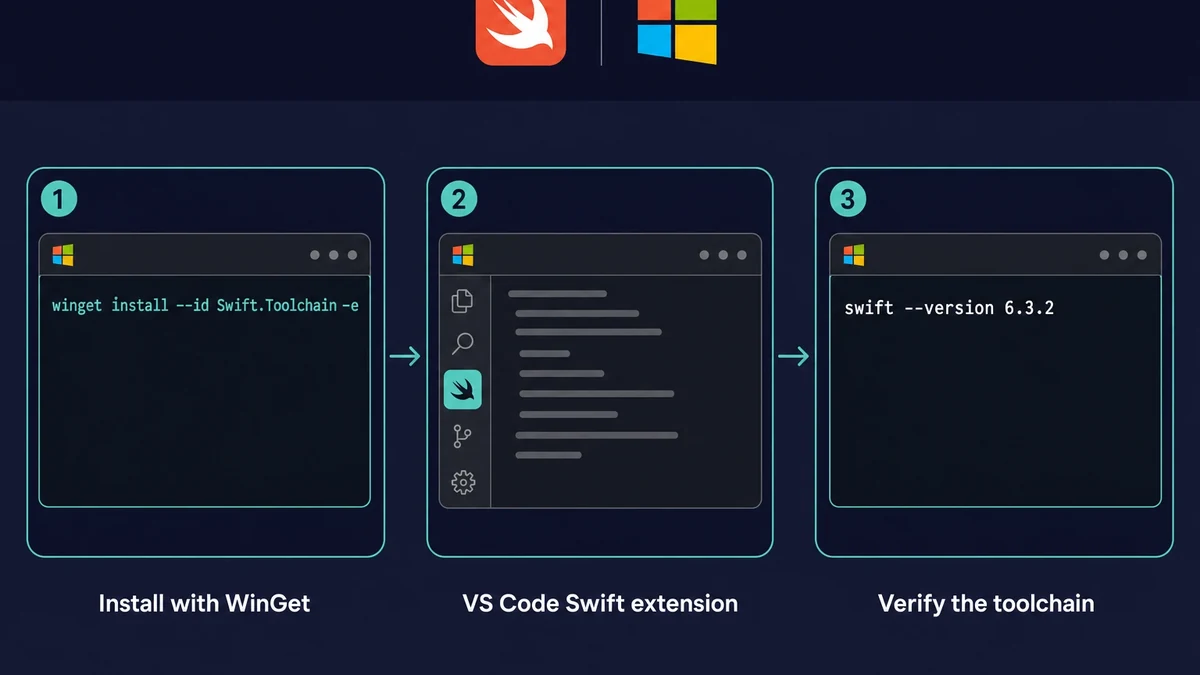
You can install the official Swift toolchain on Windows and start writing real code in minutes. The fastest path is WinGet: run winget install --id Swift.Toolchain -e. The current stable toolchain is 6.3.2, with 6.4.x snapshots dated June 2026. Skip the abandoned swiftforwindows.github.io GUI, which is stuck on Swift 4.1.3 from 2018.
Prefer the manual route? The .exe installer is about 1.6 GB and needs Visual Studio 2022 Community (Windows 11 SDK plus the VC++ build tools). Turn on Developer Mode too, which Swift Package Manager needs.
The standard Swift IDE for Windows is VS Code with the official Swift extension, which handles build, run, debug, and tests. That covers learning the syntax, writing command-line tools, and building back-end services such as Vapor.
It does not get you iOS, though. Building, testing, and submitting an iOS app still need Xcode and macOS, so a Mac stays in the loop for the App Store.
Why renting a Mac is the best option for Swift development on Windows
Among the available choices, renting a Mac is the best one for Swift development on Windows.
This option lets you avoid compatibility issues with cross-platform tools or slowdowns associated with Swift coding on a virtual machine.
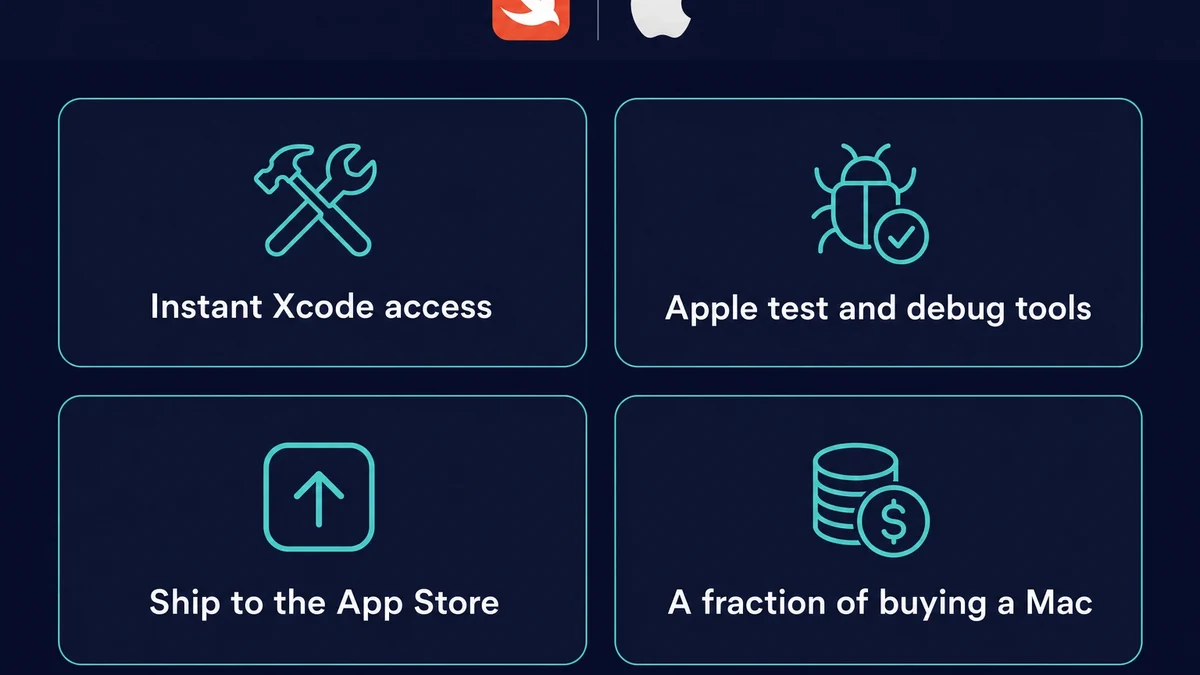
Instead, you get the following benefits:
1. Unlock instant access to Xcode and other Swift development software
2. Get the benefit from Apple’s official testing and debugging tools
3. Enjoy the straightforward deployment to the Apple App Store
4. Get all the benefits of macOS at a tiny fraction of your cost when buying a Mac.
Swift on Windows FAQ
Yes, coding Swift from Windows works. The official toolchain runs the language natively for command-line and back-end work. What you cannot do is build, test, or submit iOS apps, since SwiftUI and UIKit still need Xcode on a Mac.
Can you code Swift on Windows?
Yes, you can. The official swift.org toolchain and Swift Package Manager both run on Windows. You write, compile, and run Swift the same way you would on a Mac for command-line and back-end projects.
Can Swift run on Windows?
Yes. The current stable Swift toolchain for Windows is 6.3.2. Install it with WinGet (winget install --id Swift.Toolchain -e), then run code with swift run or compile with swiftc.
Is there official Swift support on Windows?
Yes. swift.org maintains a first-class Windows toolchain plus an official VS Code extension. It is officially supported, not a third-party workaround.
Do you need a Mac to develop Swift apps?
For iOS or macOS apps, yes. Xcode, the iOS Simulator, code signing, and App Store submission all require macOS. For Swift the language alone, no. A rented cloud Mac covers the iOS side without buying hardware, the practical way to develop iOS apps on Windows.
What IDE can you use for Swift on Windows?
VS Code with the official Swift extension is the standard choice. It gives you build, run, breakpoint debugging, tests, and autocomplete on the swift.org toolchain.