...

Rent a Mac in the Cloud

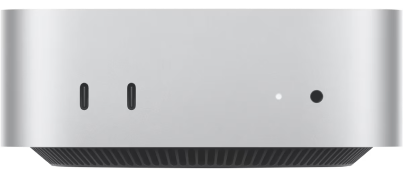
Rent a Mac Mac Mini M4

Rent a Mac is your ultimate solution for flexible, hassle-free access to top-tier Apple devices. Whether you need a Mac for a day, a week, or an entire month, we’ve got you covered with tailored subscription plans designed to meet your needs.

From $3.3/day if billed monthly

Trustpilot rating 4.3 stars
4.3
Elias HousniUnited Kingdom • Sep 10, 2025
★★★★★
https://www.trustpilot.com/reviews/68c18cc4daeef6c3a075a727

Great service from Rentamac.io! Their customer support is the best super helpful and responsive. Highly recommend!

Jackdone GamingPakistan • Sep 5, 2025
★★★★★
Just great

Just great! Everything went smoothly, and the best customer support in the world!

yohan can VegillitoNorway • Sep 3, 2025
★★★★★
A great tool for app developers

A great tool for app developers (or games). The thing that stands most out, is the response time and service. This was a great solution for my project and when…

WowzerUnited States • Aug 5, 2025
★★★★★
What a wonderful experience

Dario and Luca are the nicest people in the world. They went out of their way to assist and support me and make sure I was up and running. No…

Mark BullockUnited States • Jul 10, 2025
★★★★★
Great Service!
KaanTurkey • Sep 2, 2025
★★★★★
Oldukça kullanışlı
Vinh-San Bernaud ISNIPhilippines • Jun 9, 2025
★★★★★
Quick Response from the support team.

It works just like I wanted it to, the setup is very quick. I had a problem after turning off the Wi-Fi, and the support team answered and fixed the…

How Does it Work?

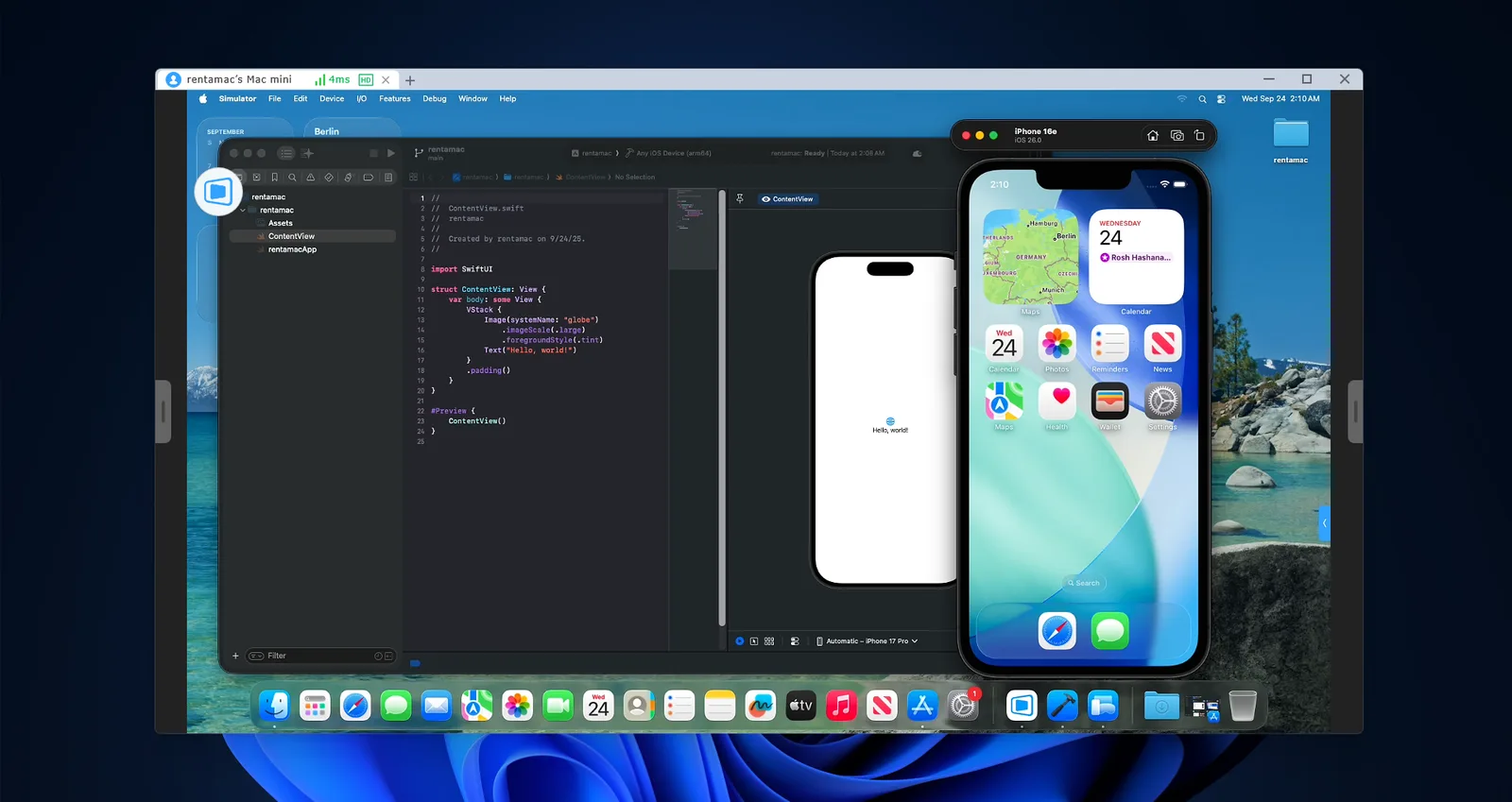
We host our own Mac computers in secure data centers, providing you with a direct remote desktop connection to our machines. No Virtual Machine involved. We will then make sure all the data is removed once you’re done or, if you desire, we can keep your data in our servers, so you can hop back in later and get back from where you left.

Applications of Remote Mac Rentals

Software Testing

Run quality assurance (QA) tests for apps or software on different macOS versions to identify and resolve compatibility issues before release.

Develop and test applications in a native macOS environment using Xcode, ensuring compatibility and optimal performance for Apple devices.

Build your iOS app and publish it to the App Store through your Apple Developer account

Use macOS-based tools like Unity, Unreal Engine, or Xcode to build, test, and optimize games for iOS and macOS platforms.

Utilize macOS-exclusive design and editing tools, such as Adobe Creative Suite, Final Cut Pro, or Logic Pro, to create high-quality visual and multimedia content.

Run and train Machine Learning algorithms or LLMs using the unified 16GB memory and excellent performance of the M4 Apple CPU.

Test and improve your applications in a cross-platform environment.

Build web apps in any framework in a blazing-fast architecture thanks to the Apple Silicon hardware.

Harness macOS tools like GarageBand, Logic Pro, or Ableton Live for professional audio production, podcasting, or music creation.

Install any software you want

We provide a single-user direct-to-hardware connection for you to install any software you need for your tasks using the ADMIN user.

Experience our service with a free Demo

Get a feel for how RentAMac works by connecting to a Mac Mini in demo mode.
No sign-up required – just download DeskIn and start exploring!

FAQs

How do I access the Mac remotely?

Accessing your Mac remotely is simple. We provide remote desktop access using DeskIn.

You’ll receive clear instructions on how to access Mac remotely from your Windows, Linux, or even another Mac device, giving you a full remote Mac desktop experience.

Yes, absolutely. You receive full administrator privileges on your Mac.

This allows you to install any software, customize the operating system, and configure the environment exactly as you need it, just like a Mac on your own desk.

Yes, our rented Macs are fully equipped to support software development tasks.

With full administrative privileges, you can install and configure development environments as needed.

Yes, it’s fully dedicated, you will get the Mac mini all for you, no other users involved.

Yes, with full administrative privileges, you’re free to install any software necessary for your tasks.

Yes, you can connect USB devices, including iPhones, to a remote Mac through third-party tools.

We recommend:

  • USB Network Gate – Works across macOS, Windows, and Linux.

  • FlexiHub – Supports macOS, Windows, Linux, and Android.

All options require installation on both machines and offer free trials.