On this page
Last updated: July 2026
On this page
TL;DR: Sketch is a Mac-only UI/UX design tool that needs macOS Sonoma 14.0 or newer, so there is no native Windows app or PC download. You are not stuck, though: view and comment on designs free in the Sketch web app, or try the full app free for 30 days on a rented cloud Mac.
If you’re a Windows user, you have probably found there is no native version of Sketch for Windows, which matters when your team uses Sketch as their primary design tool.
The good news is – there are modern solutions, from the free Sketch web app to a rented cloud Mac, that make it significantly easier to use Sketch without switching operating systems, even though it needs macOS Sonoma 14.0 or newer.
We’ll walk you through three proven ways to use Sketch on Windows, including simulating macOS, alternatives to the software, and the most reliable one – using a virtual Mac for Sketch.
Why You Can’t Install Sketch Natively on Windows
Sketch uses core technologies on macOS – Core Animation and Core Graphics, which aren’t available on Windows. These deep integrations are part of Sketch’s experience and ultimately what makes Sketch so smooth for users, but they are also the reason why the app cannot run outside the macOS environment.
Thus, running the Sketch design tool on Windows requires an alternative. There are a few options available, such as a virtual machine, get remote access to a real Mac to use Sketch, provided by Rentamac.io, or opt for an alternative. These suggestions come with their own pros and cons, which we’ll walk you through.
Can you use Sketch on Windows? Yes, here is what works
Sketch does not work on Windows natively: it is a Mac-only app that needs macOS Sonoma 14.0 or newer, so there is no Windows or PC download. But you are not locked out. Sketch’s free web app opens any shared design in your browser to view and comment, and full editing runs on a rented Mac.
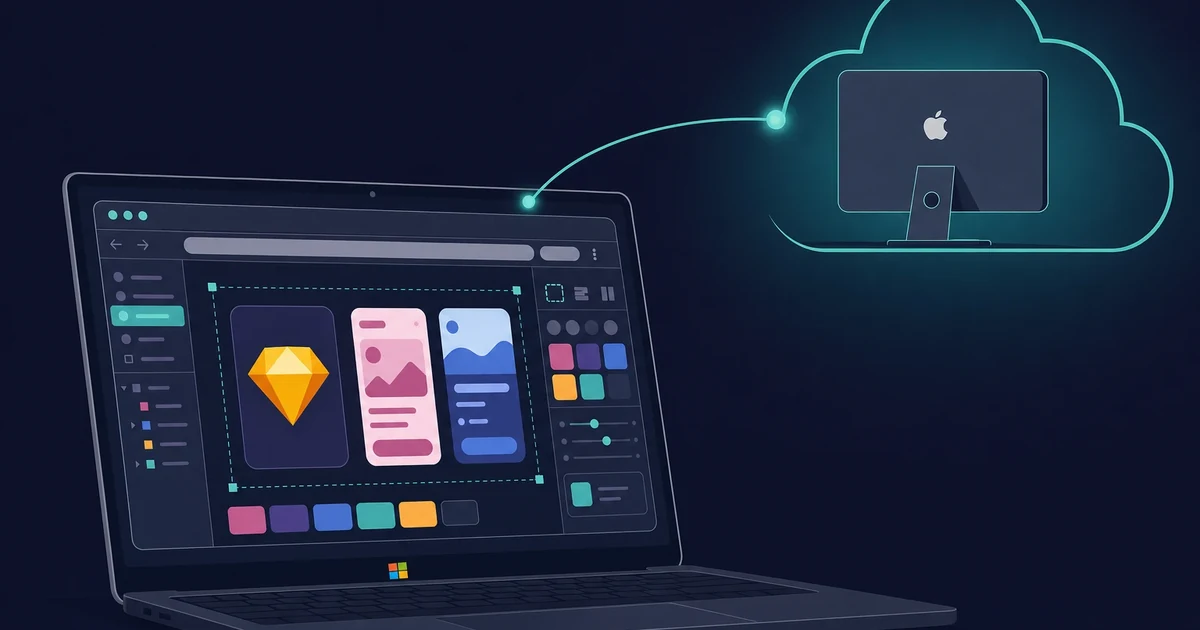
As of 2026 the web app is free, and it supports an unlimited number of viewers, so a whole team can review the work without paying for a seat.
The catch: the browser will not do full editing. For that you need the real Sketch app on macOS, either your own Mac or a dedicated cloud Mac you rent by the day. To open a .sketch file on Windows, Lunacy is free.
I opened a teammate’s shared file in Chrome last month and could inspect every layer and drop comments, but the moment I needed to move a component, the browser tapped out.
| What you can do on Windows | Sketch web app (free) | Lunacy (free) | Rented cloud Mac |
|---|---|---|---|
| View and inspect designs | Yes | Yes | Yes |
| Comment and hand off | Yes | Limited | Yes |
| Play interactive prototypes | Yes | No | Yes |
| Edit .sketch files | No | Yes | Yes |
| Run the full Sketch app | No | No | Yes |
Web app for viewing, Lunacy for edits, a rented Mac for the full app.
3 Ways to Run Sketch on Windows
There is no secret hack and no Sketch download for PC: the app only runs on macOS. But you are not out of luck. Two paths lean on macOS itself (a virtual machine or a rented Mac), and one swaps Sketch for a tool that runs natively on Windows, each with real trade-offs.
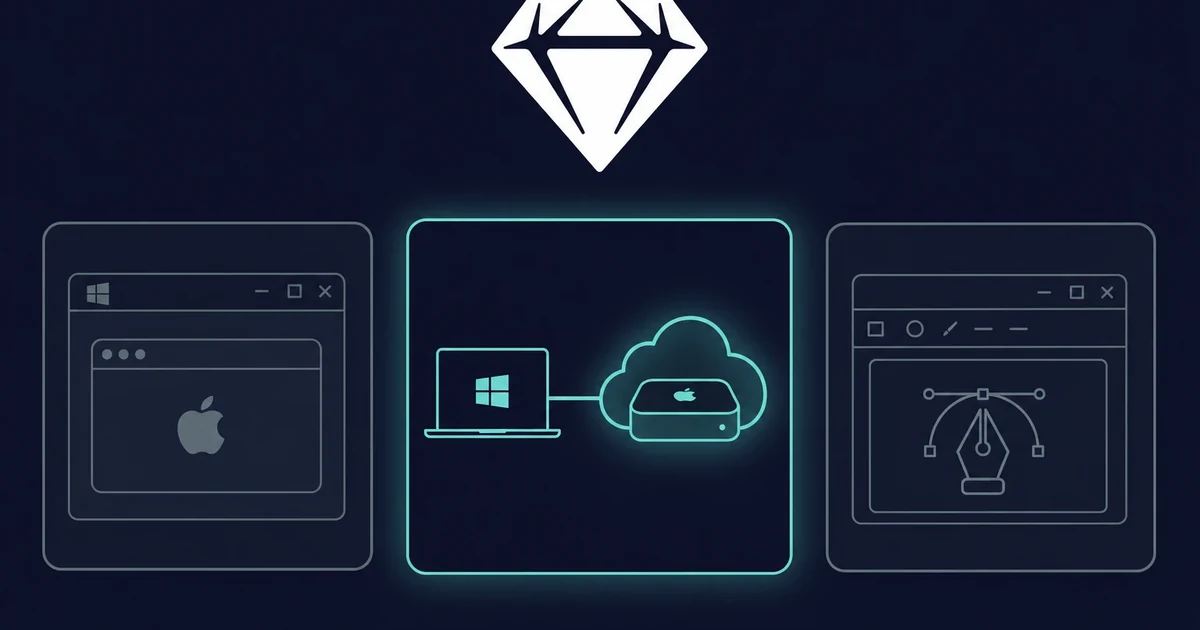
Option 1: Virtual Machine
You can run macOS on a Windows PC inside VirtualBox or VMware and install Sketch there. In practice it is the weak path: Apple’s licence does not allow macOS on non-Apple hardware, so it sits in a legal grey area, and it slows down once your design work gets heavy. Name it, then skip it.
Option 2: Renting a Mac
The most practical way is to rent a virtual dedicated Mac to access Sketch through a service like ours, Rentamac.io. You can access a real macOS device that is hosted in the cloud, allowing you to run Sketch at full speed from your Windows PC.
These cloud solutions for Sketch are specifically beneficial for designers who need a legal, speedy, and direct setup without the need to purchase Apple hardware.
The first time I rented a Mac for Sketch, I had the full app running from a Windows laptop in a few minutes, with no macOS install to babysit.
Option 3: Choose a Different UI/UX Tool
If you are flexible, a few tools run natively on Windows. Figma is the usual switch: browser-based on any OS, free tier. Lunacy is a free app that opens and edits .sketch files on Windows. Penpot is open-source. Adobe XD is discontinued, so skip it. None fully replace Sketch itself.
How to Run Sketch on Windows with Rentamac.io
The most reliable way to run the full Sketch app from Windows is a rented cloud Mac. You work in a real macOS environment in the cloud, with no complicated installs and no legal grey area. You end up designing in the real Sketch app from Windows.
The process to use Rentamac.io is simple:
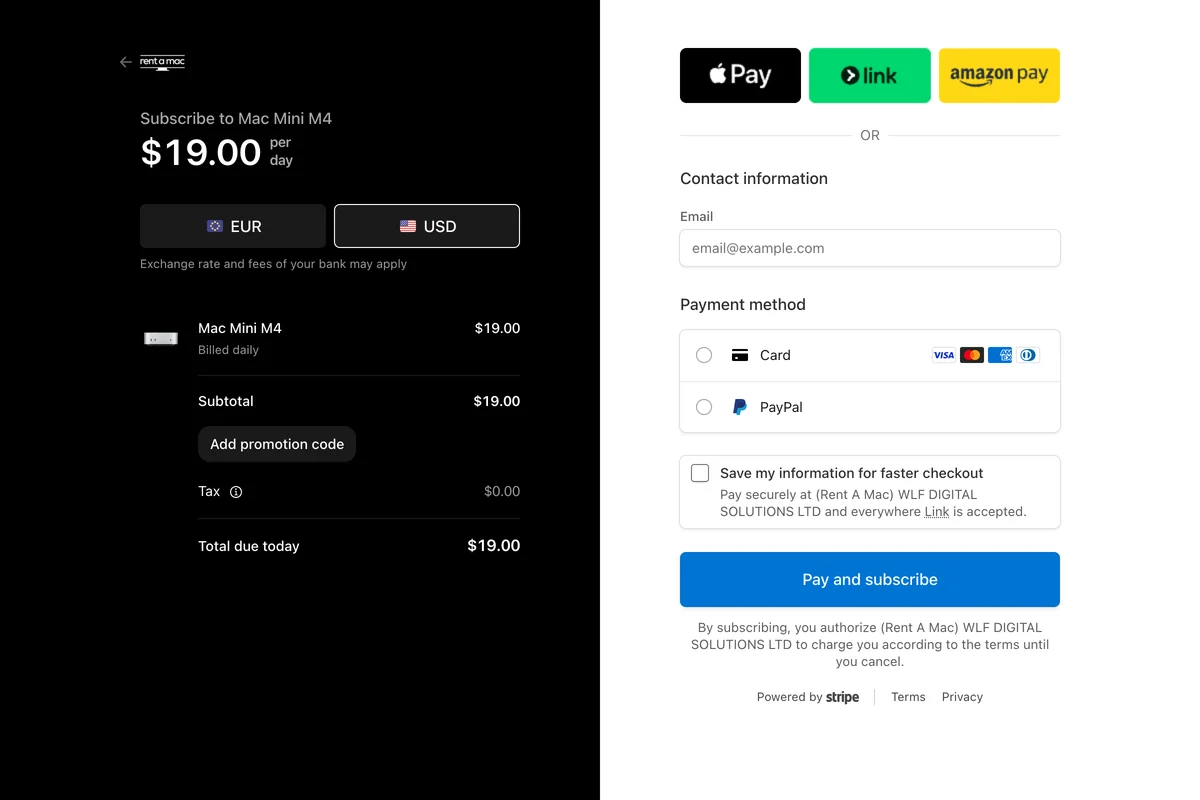
1. Pick a plan and pay. Look over the plans, pick the one that matches how long you need the Mac, and pay at checkout by card (Visa or Mastercard) or PayPal through Stripe. Access is immediate once payment clears, which I have leaned on for last-minute handoffs.
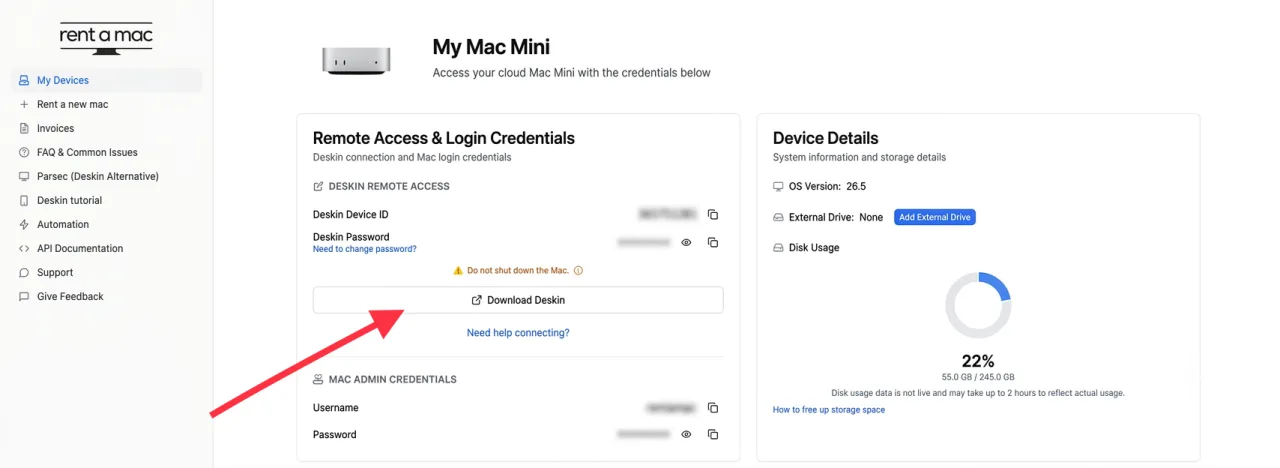
2. Connect to your Mac mini. After payment, pick your Mac mini and open the dashboard, where you will find the credentials for the Mac and for DeskIn, the secure remote desktop app that comes pre-installed and free on your rented Mac.
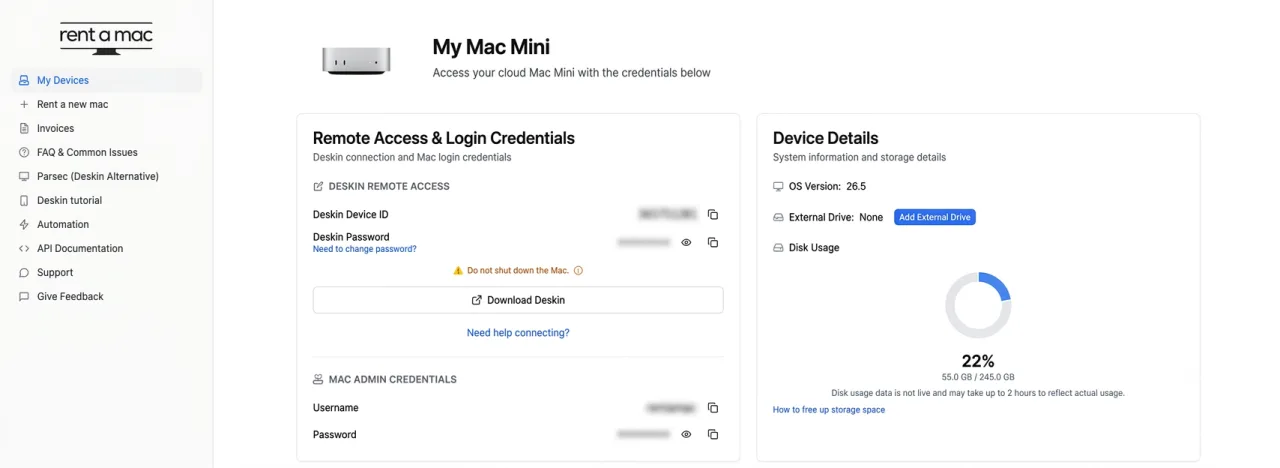
3. Get access through DeskIn. Install the DeskIn client on your Windows PC, enter the connection details, and paste the password when it asks. My connection dropped once mid-session, and the dashboard’s Restart DeskIn button brought it straight back. Prefer something else? Parsec works too, or reach the Mac over SSH with Tailscale.
4. Download Sketch. Visit the official Sketch site and download the app to your Mac mini. Sign in, or start Sketch’s free trial (30 days) if you are new. A paid seat runs $12 per editor a month, or a $120 one-time license. Then you are designing from Windows, on a real Mac.

When I finish, I save to iCloud so the work sits on my own machine too, though any other cloud storage works.
Who Is This For?
A rented Mac via Rentamac.io fits any Windows user who needs macOS-only design tools, whether you are a designer, student, freelancer, or running a team. For work you only do now and then, a rented Mac beats buying Apple hardware you rarely use. This fits:
- Designers and creators
- Students learning UI/UX design
- Freelancers working with Sketch-based teams
- Agencies provisioning macOS devices per project
- Developers who need to review .sketch files
Frequently asked questions
Is Sketch available for Windows?
No. There is no native Windows app or PC download. You can view and comment on designs free in the Sketch web app, or run the real app on a rented cloud Mac.
How do I open a .sketch file on Windows?
Use Lunacy by Icons8, a free Windows app that opens and saves .sketch files natively. The Sketch web app also opens shared documents for viewing in a browser.
Is there a free way to use Sketch on Windows?
Yes. The Sketch web app is free for unlimited viewers to inspect and comment, and Lunacy is free too. Full editing still needs macOS.
Conclusion
Although Sketch is limited to macOS, that does not lock Windows users out. With the right setup you can run the full Sketch design tool on Windows, and a rented Mac is the route I trust. You keep Windows while the full app runs on real macOS.
Out of these methods, using Rentamac.io to access a virtual Mac stands out for being legal, reliable, and user-friendly.
Run Other Tools for Windows:
Sketch is not the only Mac-only app with no Windows version. If a macOS-only tool is blocking your workflow, here are more apps you can run the same way, on a rented Mac: