

 EN
EN  ES
ES  PT
PT  TR
TR  FR
FR  AR
AR Run GLM 5.2 on a Mac: The Memory You Need

Run GLM 5.2 on a Mac? Only a 256GB Mac Studio fits the 2-bit quant, at 3-9 tok/s. The exact RAM per quant, the llama.cpp setup, and what to run instead.
Run MiMo-V2.5 on a Mac: What Actually Works

Run MiMo-V2.5 on a Mac? The full model wants a datacenter, not a laptop. See which Macs can, the GGUF and Flash paths, RAM floors, and when to use the API.
How I Run Kimi K2.6 on a Mac: What It Actually Takes

Run Kimi K2.6 on a Mac and see what it really takes: the 240-600GB memory floor, which Mac actually runs it, GGUF vs MLX, and the real tokens per second.
Run Liquid LFM2.5 on a Mac: Fast, Local, and Free

Run Liquid LFM2.5 on a Mac in one command with Ollama, or a no-Terminal app. Which variant to pick, the RAM you need, and the real Apple Silicon speeds.
Run gpt-oss on a Mac: What Works and How Fast

Run gpt-oss on a Mac: install it in Ollama or LM Studio, the real RAM you need, the tokens per second to expect, and how to speed up a 16GB Mac.
I Put MiniMax on a Mac Mini: Here’s What Ran

I tried MiniMax M2 on a Mac mini, it won’t fit: it needs ~100GB+ unified memory. See the real RAM floors, what my mini ran instead, and the upgrade path.
I Tried to Run DeepSeek V4 on a Mac: 128GB or Bust

I tried to run DeepSeek V4 on a Mac. Flash needs 128GB unified memory: which Macs qualify, the speeds they hit, and when to use the API.
The 35 Best OpenClaw Skills Worth Installing in 2026

On this page ›Before you install anything from ClawHub ›The best OpenClaw skills to install first ›Productivity and knowledge ›Search and research ›macOS native skills ›Communication ›Media and content creation ›Development tools ›AI and agent enhancement ›Smart home ›Security tools ›My actual setup ›How to install skills ›Frequently asked questions ›The bottom line OpenClaw ships […]
Best Local LLMs for OpenClaw (2026 guide)

On this page ›Where the RAM actually goes ›Models that actually work ›Runtime choice: it matters more than you think ›How much RAM you actually need ›Speed and latency: what local actually feels like ›OpenClaw config for local models ›When local isn’t enough ›The pick: four hardware paths Everyone’s running OpenClaw with a local LLM […]
OpenClaw vs Claude: The Brain vs the Body. I Run Both.
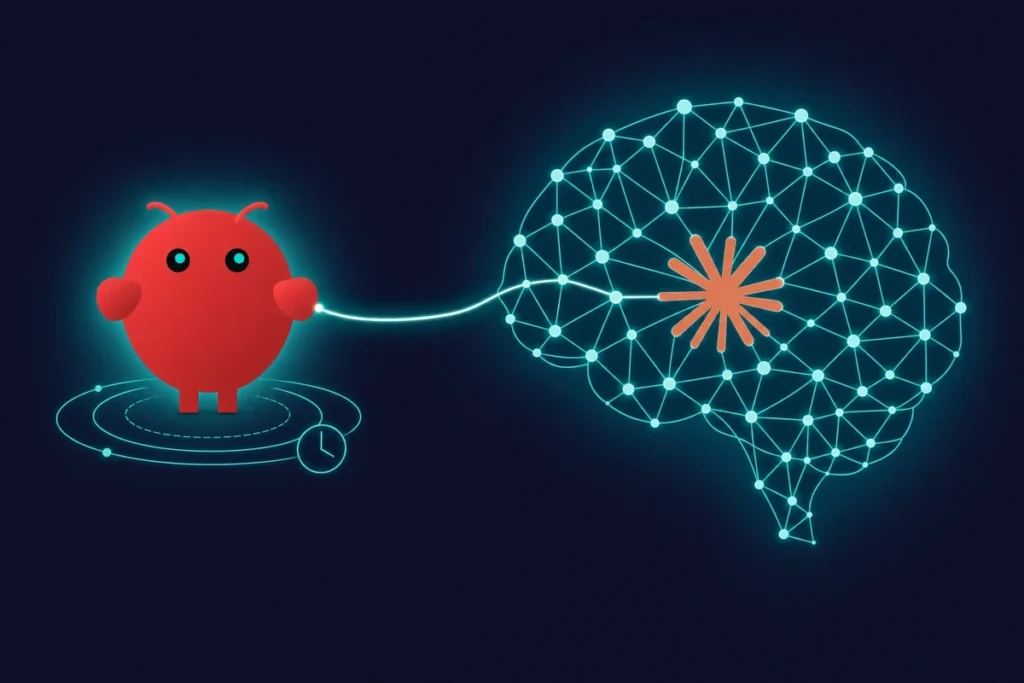
On this page ›Claude is three products pretending to be one ›Where Claude actually beats OpenClaw ›How OpenClaw and Claude Code differ as agents ›Where OpenClaw still wins (and probably always will) ›The privacy picture is more interesting than you’d think ›Stop comparing them. Combine them. ›What it actually costs to run OpenClaw on Claude […]