Last updated: July 2026
On this page
TL;DR: I ran Kimi K2.6 on a 512GB Mac Studio M3 Ultra. This trillion-parameter model needs roughly 240 to 600GB of unified memory depending on the compressed build, so it fits a big-memory Studio, not a 16GB Mac mini. On my machine a mixed 3.5-bit build printed about 20 to 26 tokens per second fresh, then slid as the context filled.
I ran Kimi K2.6 locally on a Mac, and the first thing I had to settle was whether the machine in front of me could even hold it. The one that could was a 512GB Mac Studio M3 Ultra.
Kimi K2.6 is Moonshot AI’s open-weight Mixture-of-Experts model, released in April 2026. It carries a trillion total parameters but only lights up about 32 billion per token, which is why it answered faster than its size had me expecting. It reads up to 256K tokens of context and handles images and short video, and the whole model sits in memory at once.
That last fact decided everything: my 512GB Studio ran it; a 16GB Mac mini does not have the memory to come close. On a mini you are better off with a smaller local model like Qwen instead.
I got there with two engines: llama.cpp against Apple’s Metal, and MLX, Apple’s own framework, which ran the same build around 50% faster. One trap caught me on day one. Ollama’s kimi-k2.6:cloud tag is not local; it phones home to Moonshot, so my Mac did none of the work.
How much memory Kimi K2.6 actually needs
The memory was the whole story of my run. For decent speed, meaning 5-plus tokens per second, I needed around 250GB of combined RAM and VRAM available to the model. Below that it still ran, thanks to memory-mapping the weights off disk, but throughput fell under 1 token per second and got painful fast.
The reason is the architecture. The Mixture-of-Experts design only activates about 32 billion parameters per token, but all trillion still had to be resident so the router could reach whichever experts a token needed.
It is the same trap I hit trying to run DeepSeek V4 on a Mac: another sparse giant where the active slice is small but the whole thing still has to fit in memory. Context made it worse, since every token I fed it piled onto the footprint on top of the weights.
On a Mac I hit a second detail that catches people out, and it has two parts:
- Base macOS held about 27 to 30GB of memory for itself before I loaded anything.
- By default the system caps how much of your RAM the GPU can use as working memory, so I had to raise that ceiling.
I lifted it with a single sudo sysctl command, pushing the wired-memory limit up so roughly 507GB of my 512GB could act as VRAM. Before that tweak, a build that should have fit refused to load. This is the unified-memory work that makes Apple Silicon a real machine for ML jobs, not just a laptop that dabbles.
The base overhead was the part I kept forgetting to subtract, so a build that looked like it fit my 512GB on paper was really fighting the operating system for the last few gigabytes.
For contrast, one enthusiast ran a 1T Kimi model off 768GB of Intel Optane memory sticks with a single GPU, and the whole rig managed about 4 tokens per second. That is the ceiling when you fake your way to enough memory with slow storage, and why I stayed on unified memory.
Pick a compressed build that fits your Mac
Kimi K2.6 comes in several compressed builds, and picking one was really a memory decision. The table below maps each build to roughly how much memory it ate and the machine that fits it. On my 512GB Studio, the mixed roughly 3.5-bit build was the sweet spot.
| Compressed build | Approx size in memory | Runs on |
|---|---|---|
| Dynamic 2-bit | ~340GB | 512GB Mac Studio (tightest useful build) |
| Mixed ~3.5-bit | ~420 to 470GB | 512GB Mac Studio (sweet spot) |
| Q4 (near-lossless) | ~584GB | Multi-Mac cluster or big GPU rig |
| Q8 (highest fidelity) | ~595GB | Multi-Mac cluster or big GPU rig |
I hit a real quality cliff below that sweet spot. Compress too hard and the model stops being smart. A naive 3-bit build botched a 3D scene and a procedural generator I asked it for.
The mixed roughly 3.5-bit build, tuned so the important layers keep more precision, solved a 2024 International Math Olympiad problem with thinking mode off. Same model, a fraction of a bit apart, completely different outcome.
The word “mixed” was doing the heavy lifting. A dynamic build leaves the layers that matter most for reasoning at higher precision and crushes the ones that tolerate it, so I landed near 3.5 bits on average without the model falling apart. The flat 3-bit build hit the same average and read noticeably dumber.
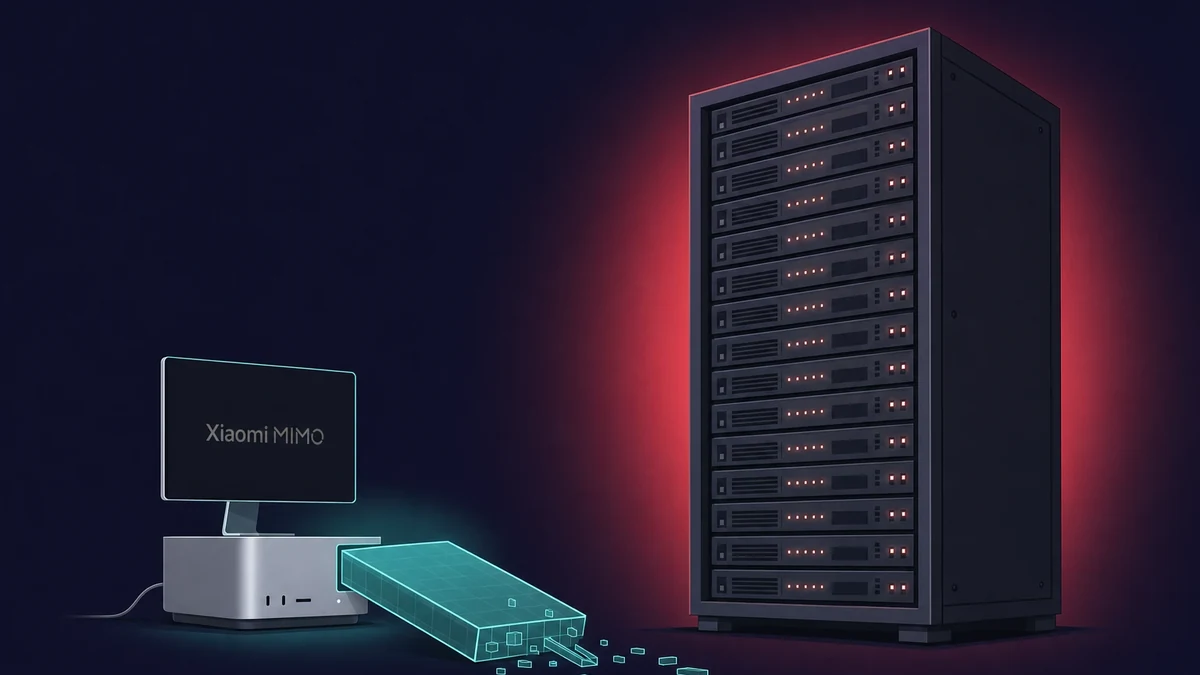
K2.6 is unusually friendly to this. It ships natively at roughly 5.1 bits, landing around 600GB at full fidelity, where plenty of trillion-parameter models need well over a terabyte. Xiaomi’s MiMo-V2.5 Pro is another trillion-class model that wants a datacenter, not a Mac. Starting small for its class is the only reason a single Mac was in the conversation at all.
Run Kimi K2.6 with llama.cpp on a Mac, step by step
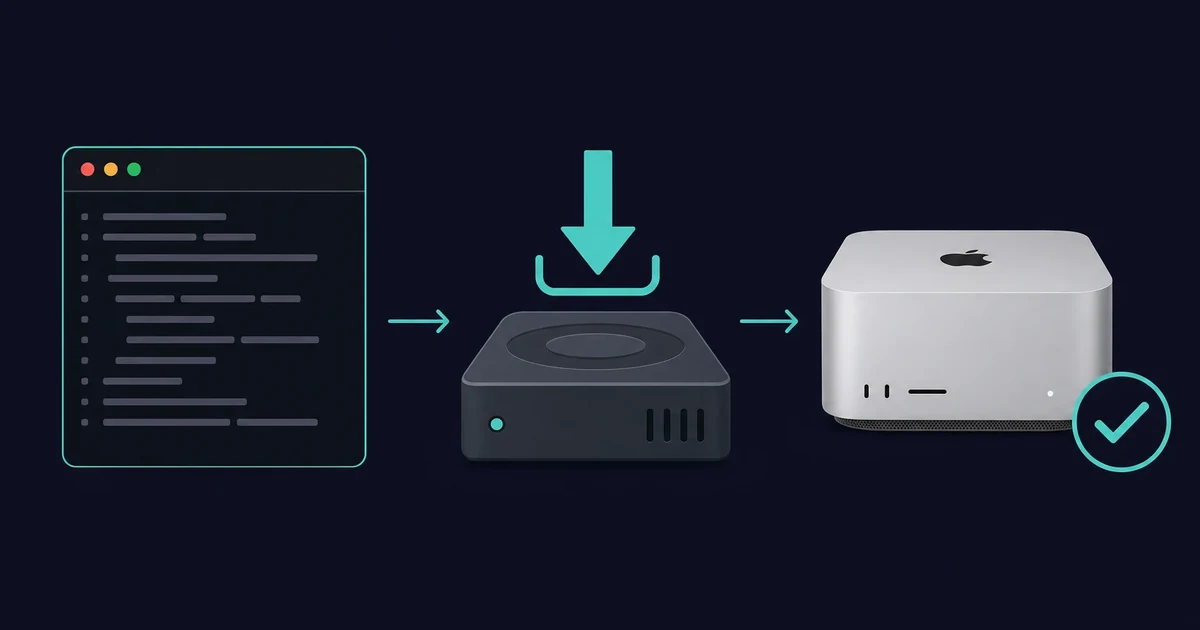
The default local engine I reached for was llama.cpp with Metal: build it once, download the compressed GGUF weights, raise the memory ceiling, run. First I needed a big-memory Apple-Silicon Mac, Xcode command-line tools, and enough free SSD for a download in the 340 to 470GB range.
That SSD figure was the one I underestimated. A 470GB build plus macOS plus whatever else was on the drive left my internal SSD gasping, and the download stalled near the end when the disk filled. I now check free space against the exact build size before the pull, not after.
Build llama.cpp for Metal
On a Mac you build with Metal support, which is on by default, so I explicitly turned the CUDA path off. That was the one flag I nearly missed coming from a Linux guide.
- Install Xcode command-line tools with
xcode-select --installif you have not already. - Clone llama.cpp and build it with Metal on and CUDA off, passing
-DGGML_CUDA=OFFto the build. - Confirm the build finished by running the main binary with
--help.
Download the GGUF and run it
The weights live as a GGUF file on Hugging Face, in the Unsloth build for K2.6. I pulled it with the Hugging Face CLI, though you can also point Ollama straight at it, which is the local route that actually works.
- Raise the wired-memory limit with
sudo sysctlso most of your RAM can serve as VRAM (roughly 507GB on a 512GB machine). - Download the Unsloth K2.6 GGUF, or run it through Ollama with
ollama run hf.co/unsloth/Kimi-K2.6-GGUF:UD-Q4_K_XL, not the:cloudtag. - Send a short prompt to confirm it responds before you trust it with real work.
The first run had friction. The initial load took tens of minutes as the weights streamed into memory, and the slow first response looked exactly like a hang. It was not. On the tighter sub-4-bit builds a runtime error surfaced mid-conversation, and the fix that kept working was restarting with the error text pasted back in.
MLX vs llama.cpp, the faster Apple-Silicon path
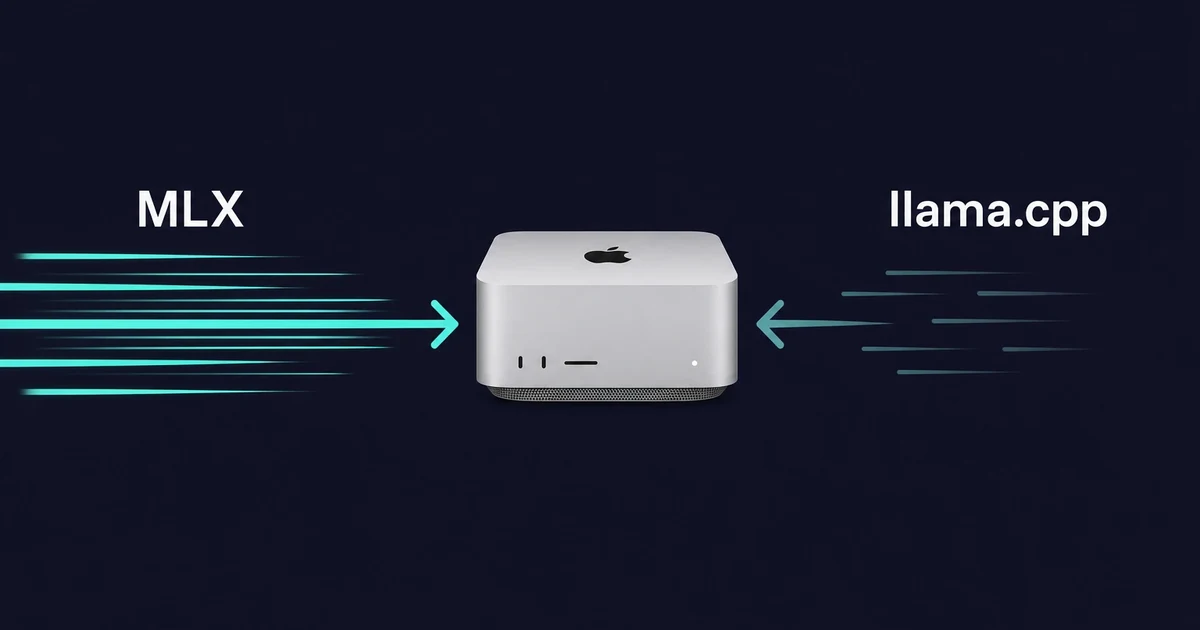
MLX turned out to be the faster path on my Apple Silicon. On the same 512GB Studio, it ran a same-tier K2.6 build about 50% faster than llama.cpp, roughly 30 to 32 tokens per second against llama.cpp’s 20 at the heavily compressed tier.
It is Apple’s own framework tuned for this exact hardware, so when I cared about raw speed it was the one I reached for.
MLX also loaded faster because it pulls weights in lazily rather than all up front. The tradeoff was visibility: with MLX I watched memory climb in Activity Monitor, whereas llama.cpp’s usage did not show up cleanly there, so I was half guessing how close to the ceiling I was. I found that gap more annoying than the speed difference.
So which would I pick? MLX when I want maximum throughput and I am happy living in Apple’s stack. llama.cpp when I want the most documented, portable path, since nearly every guide I read assumed the GGUF ecosystem. The honest catch on MLX is that it is less documented for K2.6, so I did more of the compression work by hand.
Real speed, and when to cluster or rent instead
Fresh, my 512GB Studio printed about 26 tokens per second on the roughly 3.6-bit build. That number did not hold. As the context window filled, throughput slid to around 13 tokens per second past 7 to 13 thousand tokens, then under 7 as memory pressure built. Two prompts at once dropped each to roughly 15 tokens per second.
When one machine is not enough, people cluster. A four-machine Mac Studio setup with 1.5TB of combined memory, costing around $39,596, runs a Kimi K2 Thinking build at roughly 25 tokens per second on the native format, drawing under 450 watts over Thunderbolt. A single 256GB Studio holds GLM 5.2’s 2-bit quant, though the tokens per second GLM 5.2 hits on a Mac drop to single digits.
A single Mac Studio runs K2.6, but you spend the whole session watching the context window like a fuel gauge.
The money is stark. The three paths I weighed cost:
- GPU rig for the full uncompressed model: roughly a quarter of a million dollars, eight datacenter cards at $30,000 to $40,000 each.
- A single 512GB Mac Studio: about a ten-grand commitment, which is what I was running.
- Renting a dedicated Apple-Silicon machine or using the hosted Kimi API: nothing up front.
If you only need K2.6 now and then, or want it running around the clock without owning the box, renting from Rentamac.io sits between buying hardware and paying per token, though for K2.6 your target is the big-memory Studio tier, not a small mini.
I did the run on a Studio I had; renting is the middle path I would point someone at, not a claim that a rented mini loaded this model.
If your machine is small and you still want a genuinely local assistant, the honest move is to drop K2.6 and pick a smaller model that fits your RAM. A well-chosen 8B or 14B model on a modest Mac beat a 1T model swapping to disk at half a token per second every time I compared them.
Running Llama on a Mac is the setup I fall back to when I am off the Studio and just want an answer.
Frequently asked questions
Can Kimi K2.6 run on a Mac mini?
No. Even the smallest useful K2.6 build is about 340GB, and a Mac mini tops out at 16 to 24GB of unified memory, so it cannot load it.
On a small Mac I run a much smaller local model, such as Mistral, rent a Mac with real memory, or call the hosted Kimi API. For a sense of what a Mac mini can actually run, the answer is models a couple of orders of magnitude smaller than K2.6. The machine that genuinely ran K2.6 locally for me was the 512GB Mac Studio.
What is the difference between kimi-k2.6:cloud and running K2.6 locally?
In my testing, the kimi-k2.6:cloud tag in Ollama routed my prompt to Moonshot’s hosted model, so my Mac did no inference at all. Running K2.6 locally meant downloading the GGUF weights and running them with llama.cpp or MLX on my own machine.
That gave me privacy and no per-token cost. The :cloud tag gives you the full model without needing 240 to 600GB of RAM, and I only reached for it when I did not have the hardware in front of me.
Is Kimi K2.6 free to run locally?
The weights are open under a Modified MIT License, so I paid no license fee to run K2.6 locally. The real cost for me was hardware, a 512GB Mac Studio or an equivalent big-memory machine.
The license adds one condition worth knowing: if your product makes over $20 million a year or has more than 100 million monthly active users, you have to credit Kimi K2.6 in your app.
How many tokens per second does Kimi K2.6 get on a Mac Studio?
On my single 512GB Mac Studio with an M3 Ultra, a roughly 3.4 to 3.6-bit build ran the instant, non-thinking model at about 20 to 26 tokens per second when the context was fresh.
Speed dropped as the window filled, to around 13 tokens per second past 7 to 13 thousand tokens and under 7 past that. Running two prompts at once roughly halved it to about 15 each in my run.
What changed from Kimi K2.5 to K2.6?
K2.6 is a clear step up on coding: its SWE-bench Pro score is 58.6 against 50 for K2.5, and it can launch up to 300 sub-agents where K2.5 managed 100, with far more tool-call steps per run. It also adds a vision encoder for image and video input that worked locally for me too.
For running it on a Mac, the memory and compression story was broadly the same as K2.5, so the older K2.5-on-Mac guides I had still transferred cleanly.