On this page
- ›What is Whisper and Why Run It Locally?
- ›Best Tool to Run Whisper Locally: MacWhisper
- ›How to Run Whisper Locally, Step-by-Step
- ›How to run Whisper free from the command line
- ›Real-World Cases to Use Whisper Locally
- ›Minimum Hardware Requirements for Running Whisper Locally
- ›PC not powerful enough? Use a cloud Mac mini instead
- ›Conclusion
- ›FAQs
- ›Run Other AI Models Locally:
Whisper is a free speech-to-text tool made by OpenAI. It works without an internet connection, keeps your data private, and provides great transcriptions – ideal for creators, students, researchers, or anyone dealing with audio.
In this guide, we’ll show you how to install Whisper on Mac, PC, or a rented cloud machine, use MacWhisper to run it locally, and get fast, private transcriptions without paying a subscription. No coding skills needed.
What is Whisper and Why Run It Locally?
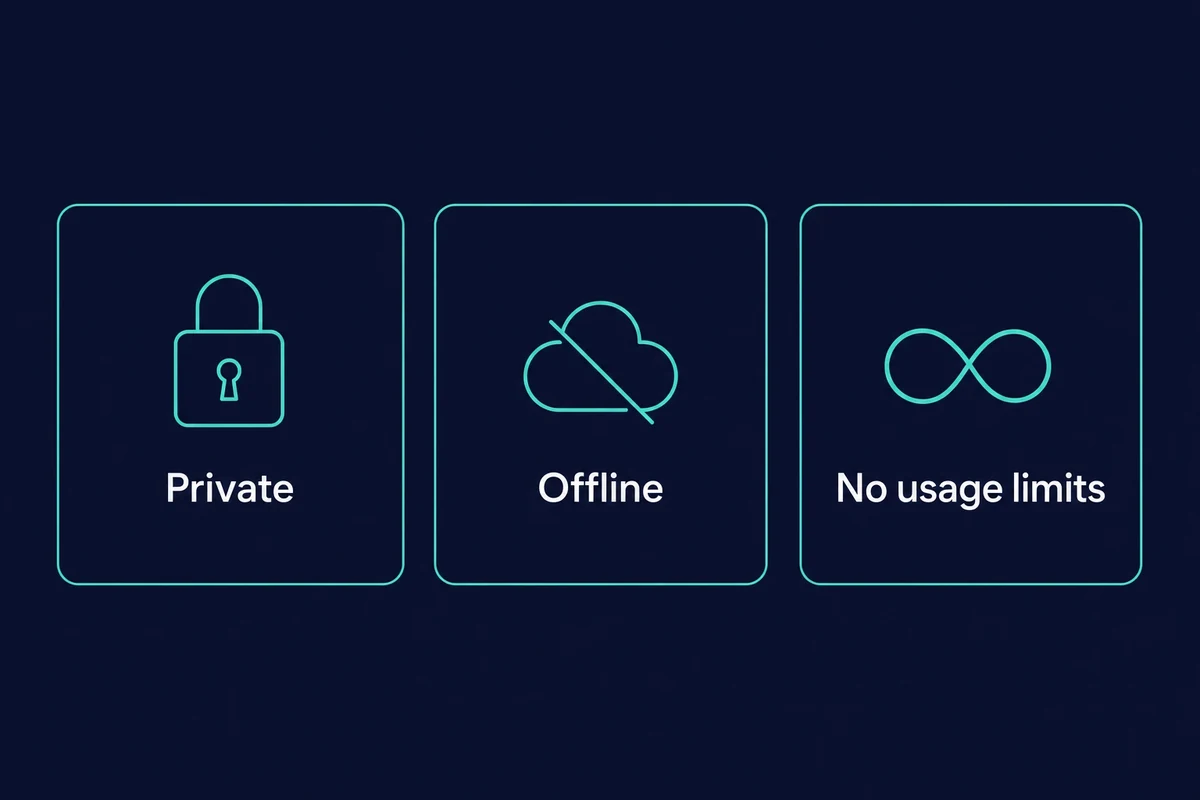
Whisper is a speech-to-text local model: it runs on your own machine, so your audio never leaves your device. You stay offline and hit no usage limits. It is open source under the MIT license (free, even for commercial use), and the current official openai/whisper release is v20250625 from June 2025.
Best Tool to Run Whisper Locally: MacWhisper
MacWhisper makes it super easy to use Whisper without all the tech fuss. It’s a straightforward app you can download, featuring a simple interface.
Why Choose MacWhisper?
- Runs on your device, so you don’t need to rely on the cloud.
- Supports all Whisper model sizes, including the newer whisper-large-v3-turbo (released October 2024, about 8x faster than the old large model, a 1.6GB download).
- Lets you pick from different output formats – .txt, .srt, .csv.
- Has timestamping and speaker separation (available in Pro version).
- You can get both Free and Pro versions directly from Gumroad.
As of 2026, MacWhisper pricing is a one-time $69 for Pro, with a free tier, so there is no monthly subscription. Pay once and you unlock every model, including turbo.
The main MacWhisper free version limitations: only the Tiny and Base models, with batch transcription, speaker diarization, and SRT/VTT export locked to Pro.
How to Run Whisper Locally, Step-by-Step
Here is how to use Whisper locally with MacWhisper, in four easy steps:
- Visit Gumroad, download, and install Whisper on your computer.
- Open the app and proceed to the model downloader section.
- Pick a Whisper model from the list and download it.
- Load the model and run it locally.
Step 1: Visit Gumroad
First, visit Gumroad and search for Whisper. You should choose this option from the list:

Now, you can download the version of MacWhisper that fits what you need. Here’s what you’ve got:

Once you download it, just install it like any other Mac app by dragging it to your Applications folder and then opening it. If you’re using a remote Mac mini from Rentamac.io, you can follow the same steps just as if the machine were yours.
Step 2: Open the App and Choose a Whisper Model
When you open MacWhisper for the first time, it will prompt you to download a Whisper model. There are a few options available based on size and performance:

Just choose the model you prefer, and MacWhisper will take care of the download and installation for you.
Step 3: Adjust Settings (Optional)
Before you kick off your first transcription, you can fiddle with some settings:

- Language – You can let it auto-detect or choose your language (like English, Spanish, or French).
- Output Format – Save your transcript as .txt, .srt (for subtitles), or .csv.
- Timestamps – You can add time markers if you want to sync or create subtitles.
- Speaker Separation (Pro only) – If you have different speakers in your audio, this will help detect them automatically.
The default settings are good for most people, but you can play around with them if you like!
Step 4: Start Transcribing
Once you have Whisper all set up, there are a few options presented to start transcribing based on your needs.

Just pick your input source and hit Transcribe. Everything gets processed right on your Mac, so your files stay private and safe.
How to run Whisper free from the command line
If you would rather skip a paid app, Whisper runs free from the command line three ways. whisper.cpp (install with Homebrew) is the fastest on Apple Silicon, openai-whisper installs with one pip command, and faster-whisper is the leaner option on Windows or NVIDIA GPUs. All three need FFmpeg installed first.
These tools are all free and open source under the MIT license, so the only thing you trade for the paid MacWhisper app is its drag-and-drop convenience. Here is how the three compare.
| Tool | Install command | Best platform | Speed note |
|---|---|---|---|
| whisper.cpp | brew install whisper-cpp | Mac (Apple Silicon) | Uses Metal and Core ML, about 7 to 10x real-time for large-v3 |
| openai-whisper | pip install openai-whisper | Any (Python) | The canonical reference build, runs on CPU or GPU |
| faster-whisper | pip install faster-whisper | Windows or NVIDIA GPU | Leaner on memory, no Metal backend so slower on Mac |
whisper.cpp is the fast path on a Mac. You install it with Homebrew (brew install whisper-cpp), and it taps Metal and Core ML on Apple Silicon to hit roughly 7 to 10x real-time on the large-v3 model. That means a one-hour recording finishes in well under ten minutes.
openai-whisper is the official Python build. Install it with pip install openai-whisper, then transcribe a file with one line: whisper audio.mp3 --model large-v3. It runs anywhere Python does, which makes it the easy starting point if you already work in a terminal.
faster-whisper trades some speed for a smaller memory footprint. You install it the same way (pip install faster-whisper), and it shines on Windows boxes or machines with an NVIDIA GPU. On a Mac, though, whisper.cpp is roughly 3x faster, because faster-whisper has no Metal backend and falls back to the CPU.
One thing trips up everybody on the first run: FFmpeg. All three tools lean on it to decode and convert your audio, so install it before anything else (on a Mac, brew install ffmpeg). If a transcription fails the moment it starts, a missing FFmpeg is almost always why.
The first time I set this up on a rented Mac mini, I forgot FFmpeg and spent twenty minutes staring at a cryptic error before the fix clicked. Once it was installed, whisper.cpp churned through a 45-minute interview in about six minutes. If you want to go further with local models, the same Mac handles other AI models on a Mac just as comfortably.
Real-World Cases to Use Whisper Locally
Whether you’re working on a project or just handling everyday tasks, Whisper is a great addition to your routine.
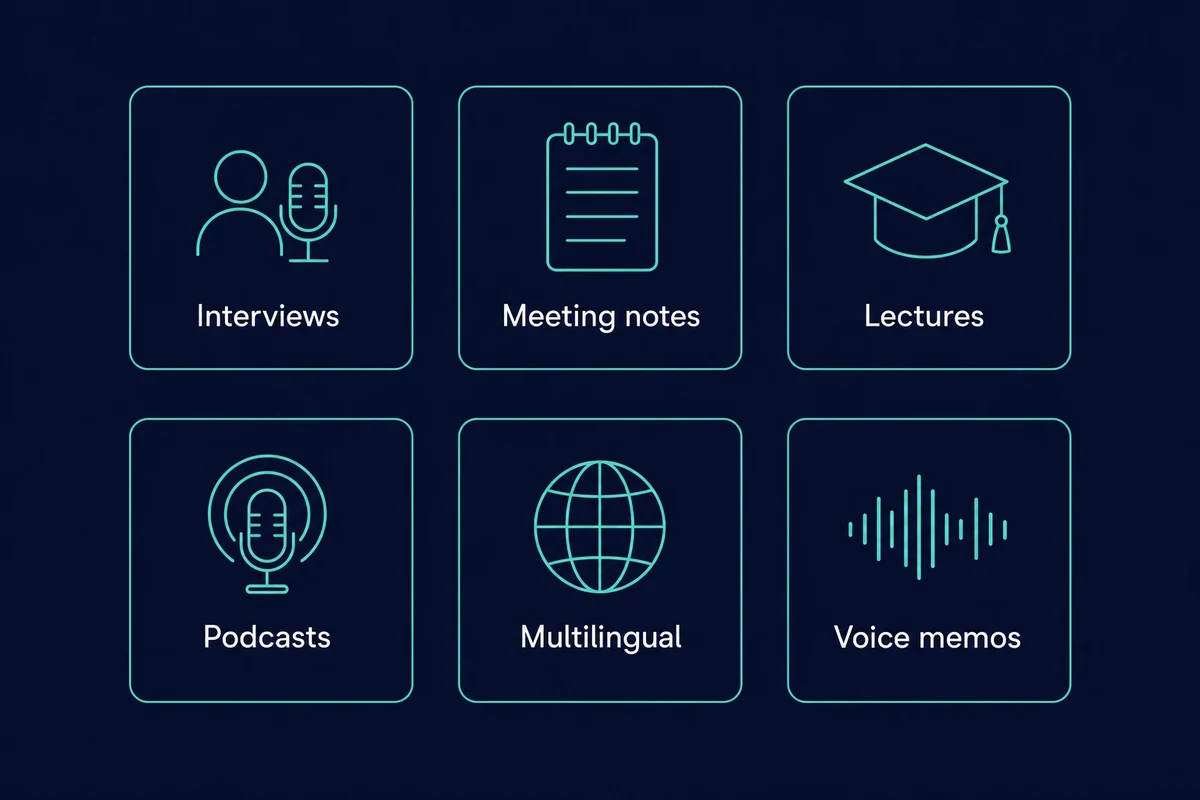
Here are some practical ways to use it:
- Interview transcription – Turn recorded interviews into clear text, perfect for journalists, podcasters, and researchers.
- Meeting notes – Record your team discussions and easily create transcripts to keep track of projects.
- Lecture and class notes – Students can record lectures and quickly get transcripts to help with studying.
- Podcast production – Create accurate transcripts for accessibility or show notes.
- Multilingual support – Whisper supports 99 languages for transcription, with any-to-English translation built in, all without sending data online.
- Voice memo cleanup – Turn your spoken ideas, reminders, or brainstorms into organized text.
Running Whisper on your computer means your audio stays private, and you get quick results without depending on any outside service.
Minimum Hardware Requirements for Running Whisper Locally
You can run Whisper on most modern computers, but how well it works really depends on your hardware. This is especially true if you’re dealing with bigger audio files or using high-accuracy models.
Pick a Whisper model by how much RAM you have: tiny and base run on almost anything, while large-v3 wants about 10GB and a 16GB unified-memory Mac handles it comfortably (the model itself is only about 3GB on disk).
| Model | Size on disk | Approx RAM/VRAM | English accuracy (WER) |
|---|---|---|---|
| tiny | 75MB | ~1GB | ~7.6% |
| base | 142MB | ~1GB | ~5.0% |
| small | 466MB | ~2GB | ~3.4% |
| medium | 1.5GB | ~5GB | ~2.9% |
| large-v3 | 2.9GB | ~10GB | ~2.4% |
| turbo | 1.6GB | ~6GB | ~2.5% |
Here are the minimum specs you’ll need:
- CPU:
- A modern multi-core processor is a must.
- For Mac, Apple Silicon (M1 or newer) is ideal; the current Mac mini ships with the M4 chip.
- For PCs, look at an Intel i7 or AMD Ryzen 7 or better.
- RAM:
- + 8 GB for smaller Whisper models.
+ If you want to handle larger files smoothly, go for 16 GB or more.
- Storage:
- + Make sure you have at least 5 to 10 GB of free space for models and transcripts.
- Operating System:
- + You’ll need macOS for MacWhisper.
+ For command-line versions, Windows or Linux will do.
MacWhisper system requirements are modest: 8GB or more of RAM and Apple Silicon for the fastest transcription. On an M1 Mac, MacWhisper can transcribe a 10-minute clip in 30 to 60 seconds with the turbo model. If you want a Mac that handles this and heavier work, here is what machine learning on a Mac looks like in practice.
PC not powerful enough? Use a cloud Mac mini instead
If your PC isn’t cutting it for running Whisper, you don’t have to rush out to buy new hardware.
Rentamac.io lets you access powerful Mac minis that are great for local AI apps like MacWhisper.
With Rentamac.io, you get:
- Direct access to macOS – You’re using actual Apple hardware, not virtual machines or shared services.
- Optimized for Whisper – Perfect for handling long audio files quickly.
- Pre-tested with MacWhisper – No compatibility problems or setup hassle.
- Flexible rental plans – Choose daily, weekly, or monthly options that fit your needs.
Whether you’re transcribing podcasts or diving into multilingual research, Rentamac.io lets you use Whisper without shelling out for a new Mac.
Conclusion
You don’t have to be a tech whiz or pay for expensive services to get good speech-to-text transcription. With MacWhisper, you can install Whisper locally and start transcribing in no time.
Whether you’re making content, coding, studying, or researching, Whisper gives you fast and accurate transcription in just a few clicks. It’s private and works wherever you need it.
FAQs
Can I install Whisper on Mac for free?
Yes! Whisper is open-source, and MacWhisper has a free version with basic transcription features.
Do I need to code to use Whisper?
Not at all. MacWhisper is user-friendly with drag-and-drop options, so you don’t need to know any coding. If you do want the free command-line tools, the section above covers whisper.cpp, openai-whisper, and faster-whisper.
Is Whisper accurate for non-English audio?
Absolutely! Whisper handles 99 languages and works well even with background noise or different accents.
Is OpenAI Whisper free and open source?
Yes. OpenAI released Whisper under the MIT license, so the model is free to download and use, including for commercial work. The only paid option here is the optional MacWhisper Pro app at a one-time $69.