ES
ES  EN
EN  PT
PT  TR
TR  FR
FR  AR
AR 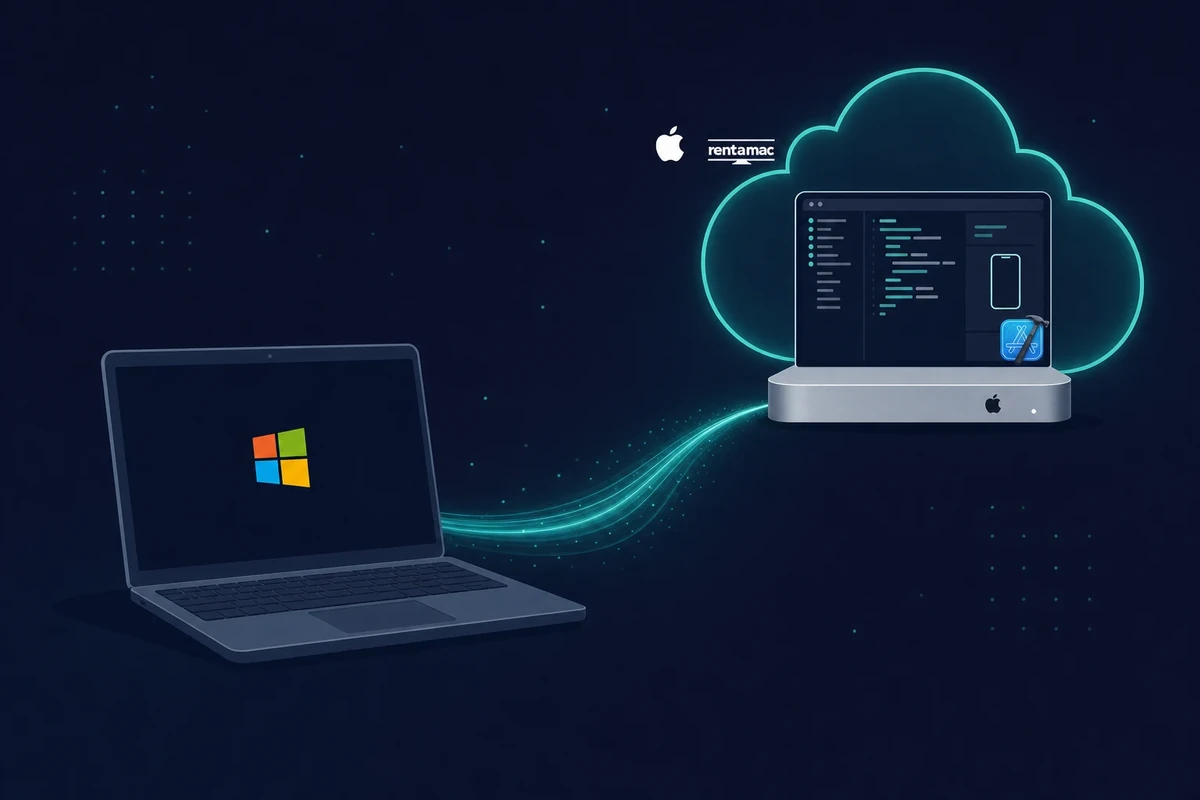
En esta página
No puedes usar Xcode en Windows. Sin embargo, puedes acceder a Xcode desde Windows alquilando un Mac, montando un Hackintosh, ejecutando macOS virtualizado o usando alternativas de programación multiplataforma. La opción más fiable es alquilar un Mac en la nube.
Xcode es el entorno de desarrollo integrado (IDE) oficial de Apple para crear aplicaciones de iOS, macOS, watchOS y tvOS.
Incluye funciones como Interface Builder, el simulador y herramientas de depuración, lo que lo convierte en una herramienta muy útil para los desarrolladores de macOS. Sin embargo, como Xcode está diseñado para funcionar solo en macOS, los desarrolladores que prefieren Windows tienen un problema.
La versión corta:
- No puedes ejecutar Xcode de forma nativa en Windows y no existe una descarga oficial para Windows.
- Alquilar un Mac en la nube es la forma más fiable de tener el IDE completo de Xcode.
- Las alternativas son una máquina virtual con macOS, un Hackintosh o las herramientas multiplataforma.
- Los simuladores en la nube desde el navegador y Xcode Cloud de Apple cubren las pruebas y las compilaciones.
- Para la firma final y la publicación en el App Store sigue haciendo falta un Mac real con Xcode.
Xcode está profundamente integrado en el ecosistema de Apple, ya que depende de las bibliotecas de macOS, los marcos a nivel de sistema y la compatibilidad de hardware. Estas son algunas de las razones por las que Windows no es compatible de forma nativa con Xcode.
Además, Apple limita el desarrollo oficial de apps iOS a macOS como parte del control de su ecosistema. Por eso no existe una descarga oficial de Xcode para Windows. Esta guía repasa las formas prácticas de usar Xcode y desarrollar aplicaciones iOS en Windows.
Métodos para ejecutar Xcode en Windows
Hay varias soluciones que te permiten usar el entorno de desarrollo de Apple de forma indirecta. Varían en coste y esfuerzo. La tabla siguiente resume los cuatro métodos de un vistazo y las secciones de abajo dan los detalles.
| Método | Coste | Dificultad | Legalidad | Lo mejor para |
|---|---|---|---|---|
| Máquina virtual con macOS | Gratis, pero requiere un hardware potente | Media | Zona gris | Aficionados con un PC de 16GB o más |
| Mac en la nube (recomendado) | Desde $19/día o $119/mes | Fácil | Totalmente permitido | La mayoría de quienes quieren que funcione rápido |
| Hackintosh | Gratis, pero requiere componentes compatibles | Difícil | Zona gris | Entusiastas del hardware que buscan velocidad |
| Herramientas multiplataforma | De gratis a precio medio | Media | Permitido | Escribir un solo código para iOS y Android |
1. Ejecutar macOS en una máquina virtual
Una máquina virtual ejecuta macOS dentro de Windows. Si prefiere utilizar su propio hardware de PC, puede simular iOS en Windows configurando una VM que ejecute macOS. Necesitarás un software como VMware Workstation u Oracle VirtualBox.
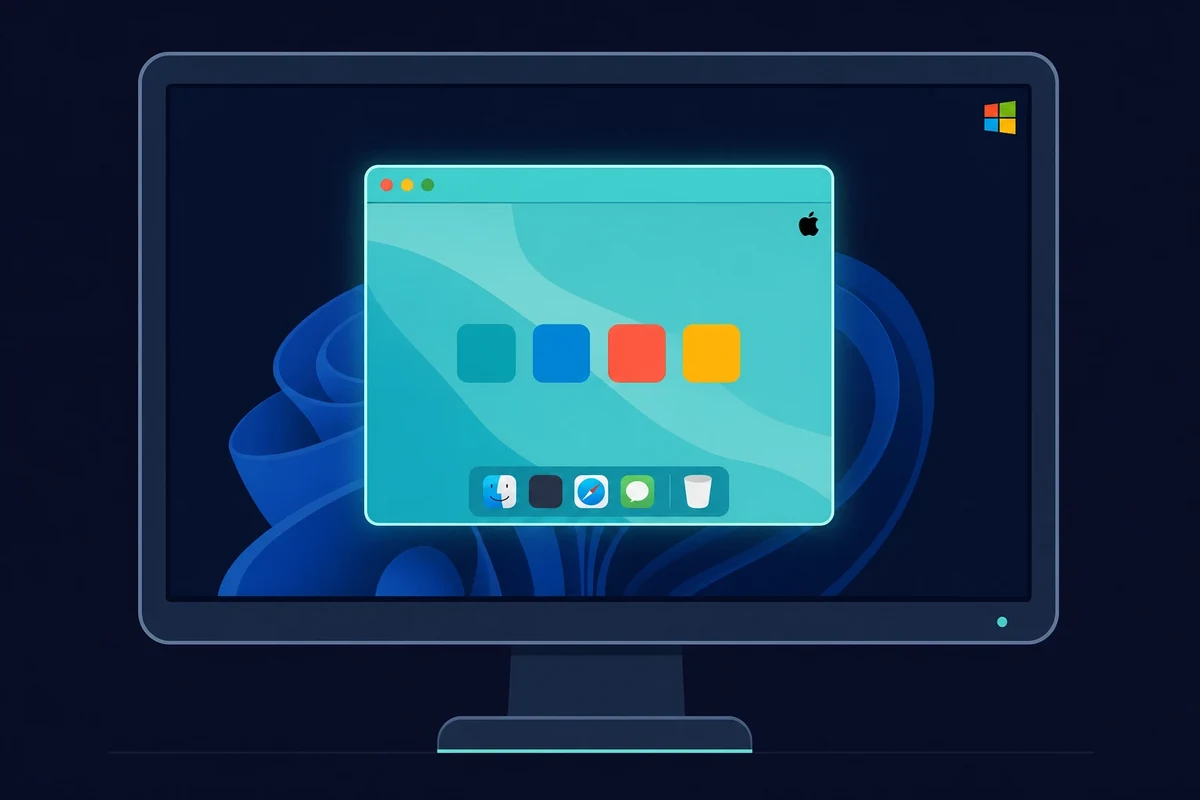
La VM tiene requisitos de hardware reales. Asígnale al menos 16GB de RAM (mejor 32GB), una CPU multinúcleo y 50GB o más de disco libre, porque solo el instalador de macOS ocupa unos 14GB. Cuenta también con una conexión rápida: las guías de instalación de 2026 recomiendan 20 Mbps o más, y la descarga de Xcode tarda entre 30 y 60 minutos.
También hay un requisito de compatibilidad de versiones que hace tropezar a mucha gente. Tu versión de Xcode tiene que coincidir con tu versión de macOS, así que Xcode 26 necesita macOS Sequoia 15.6 o posterior, o la instalación se bloquea. Esta vía funciona igual en Windows 10 y Windows 11, y no existe una versión de Xcode específica para Windows 11 que haya que buscar.
Cuando la VM está en marcha, instalas Xcode igual que en un Mac real. En VMware primero aplicas el parche macOS Unlocker, luego instalas macOS y descargas Xcode desde la Mac App Store.
Este método no cuesta nada de entrada. El problema es el hardware, porque necesitas un PC lo bastante potente para ejecutar dos sistemas operativos a la vez. Además, la licencia de Apple limita macOS al hardware de Apple, así que esto queda en una zona gris.
2. Usa un Mac en la nube (recomendado)
Un Mac en la nube es la vía más fiable. Alquilas un Mac en la nube y recibes su escritorio en tu PC. Tienes un entorno macOS real con el IDE completo de Xcode, sin necesidad de hardware de Apple, y te conectas desde Windows para trabajar como si el Mac estuviera en tu escritorio.
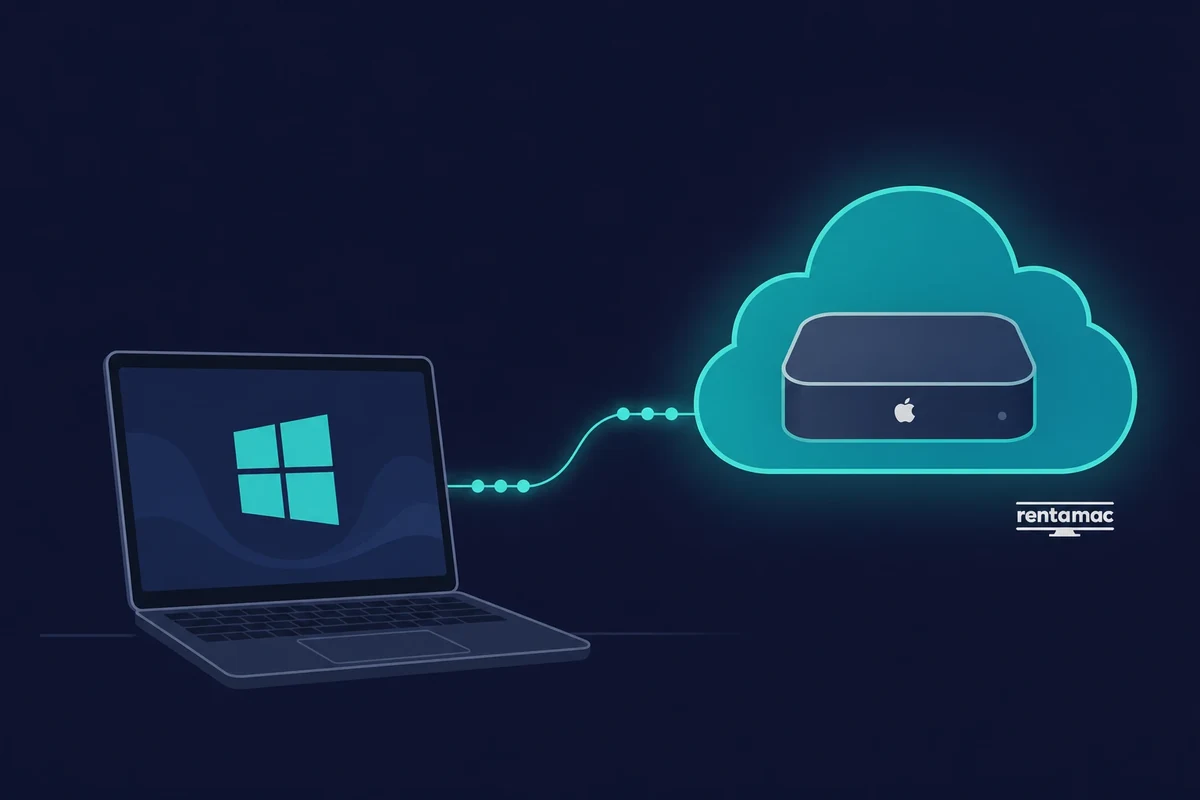
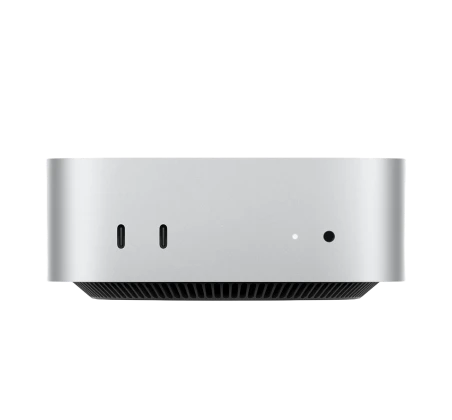
Los servicios de alquiler de Mac en la nube existen justo para esto, y Rentamac.io es uno de ellos. Tienes un Mac mini M4 dedicado en la nube (16GB de RAM, 256GB SSD, macOS 27.0 o posterior) con acceso completo de administrador, al que te conectas con apps de baja latencia como DeskIn o Parsec.
Los planes empiezan en $19 al día o $119 al mes. La configuración es sencilla: te suscribes, te conectas en remoto y usas Xcode igual que en un Mac físico, sin zonas grises de licencia y sin ralentizaciones por compartir el hardware de tu PC.
3. Configuración Hackintosh
Un Hackintosh arranca macOS en hardware que no es de Apple. Es el método más complejo de la lista, pero funciona más rápido que una VM porque macOS se ejecuta directamente sobre tu hardware y no dentro de una máquina invitada. Es una tarea para auténticos entusiastas de la tecnología.
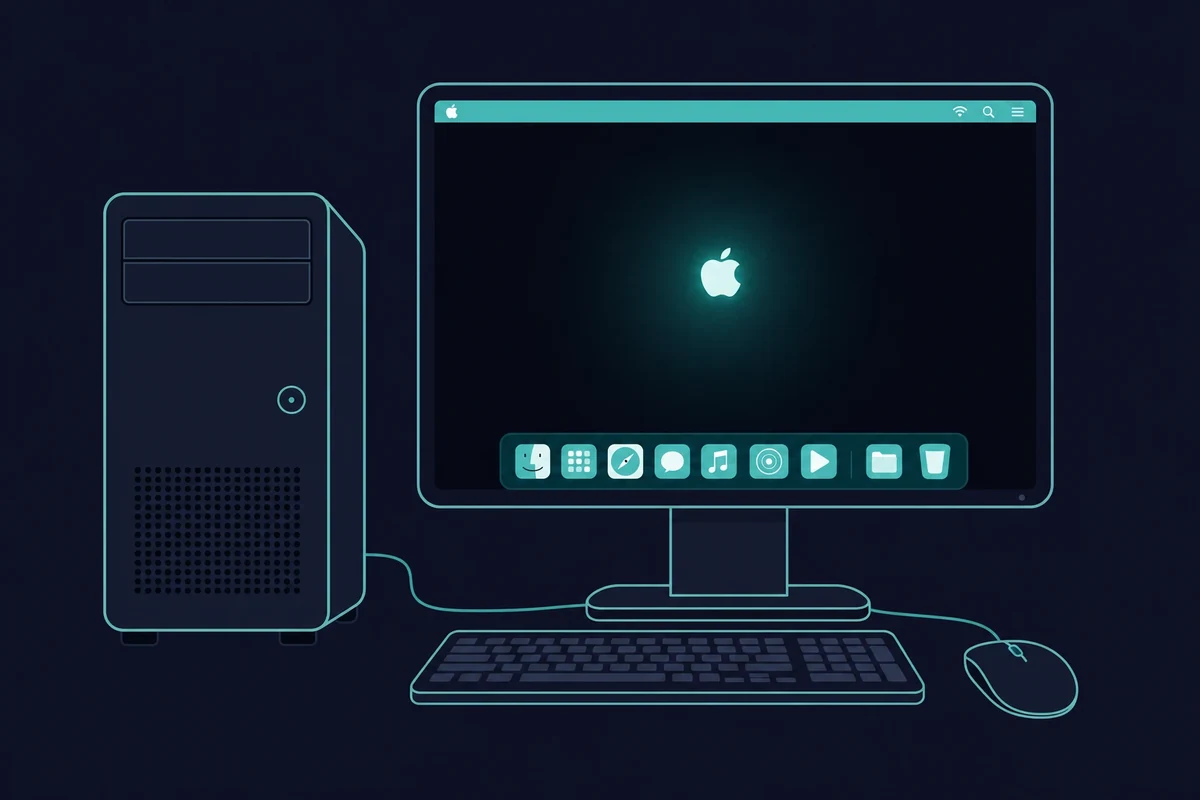
Con hardware compatible y los pasos de instalación correctos, puedes montar un PC con Windows que también arranque en macOS y ejecute Xcode de forma nativa. Esa velocidad es lo que atrae a los usuarios avanzados hacia la combinación Hackintosh más Xcode, a pesar de la zona gris legal.
Los inconvenientes son reales: la instalación es difícil de configurar, las actualizaciones pueden romper el sistema y Apple no le da soporte.
4. Codificación multiplataforma + Prueba en Mac
Las herramientas multiplataforma te permiten escribir la mayor parte del código en Windows. Si quieres ahorrarte el coste de alquilar un Mac o las horas de configurar una VM, puedes optar por el desarrollo multiplataforma y escribir la mayor parte de tu app en Windows.
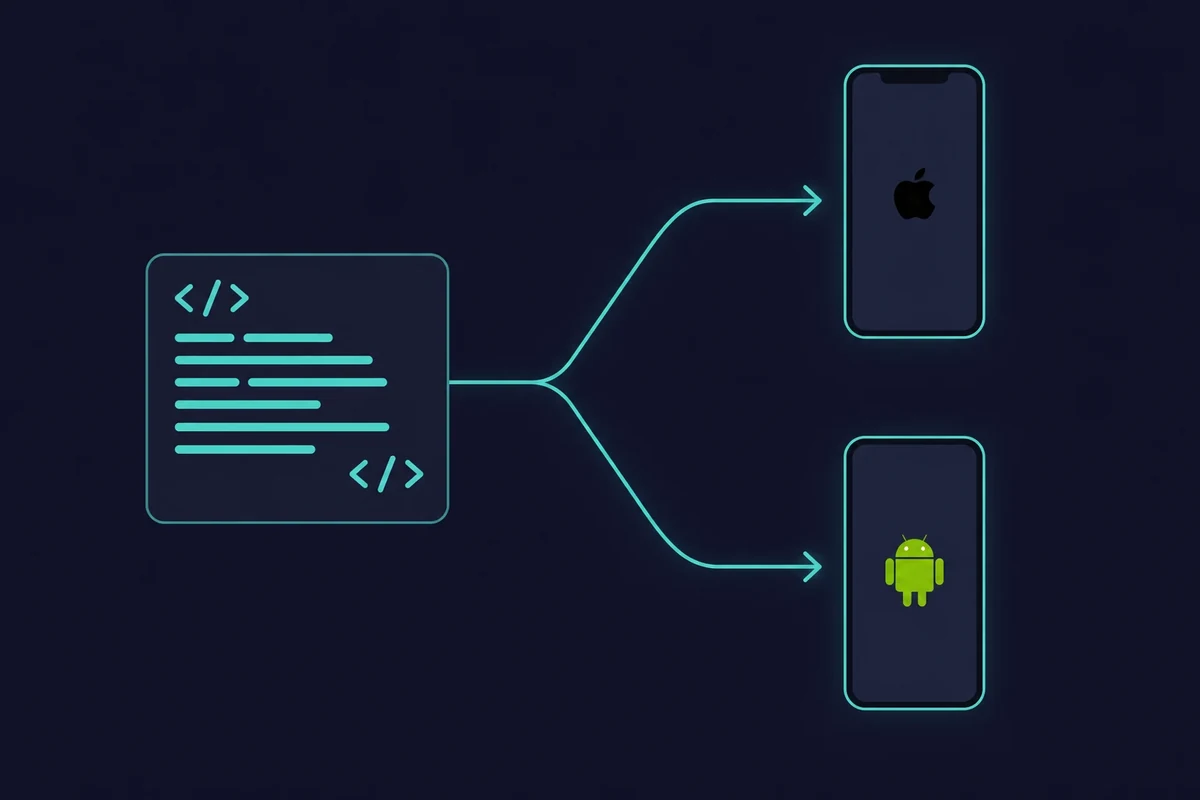
Puedes usar Flutter, React Native, Xamarin u otras opciones para crear y probar apps en Windows con sus simuladores. Aun así, necesitarás Xcode en un Mac para la compilación y la firma finales. Esto es lo que aporta cada herramienta:
- Flutter (de Google): Un framework de código abierto que te permite escribir apps en Dart y compilarlas como aplicaciones nativas de iOS y Android. Su recarga en caliente (hot reload) y su amplia comunidad lo convierten en uno de los favoritos para iterar rápido mientras editas.
- React Native: Creado por Meta, React Native permite a los desarrolladores usar JavaScript y React para crear apps multiplataforma. Muchas apps conocidas, como Instagram, se han creado con este framework.
- Xamarin (de Microsoft): Ideal para desarrolladores que prefieren C# y .NET. Xamarin te permite compartir código entre Android, iOS y Windows sin perder el acceso a las API nativas de cada plataforma.
- Codemagic & Expo: Estas plataformas en la nube automatizan la compilación y las pruebas. Se encargan de gran parte del trabajo pesado: programas en Windows y envías las apps a sus servidores para compilarlas para iOS.
Muchos desarrolladores combinan el desarrollo multiplataforma en Windows con el uso puntual de un Mac alquilado o prestado para la publicación.
Cómo probar apps iOS en Windows sin tener un Mac completo
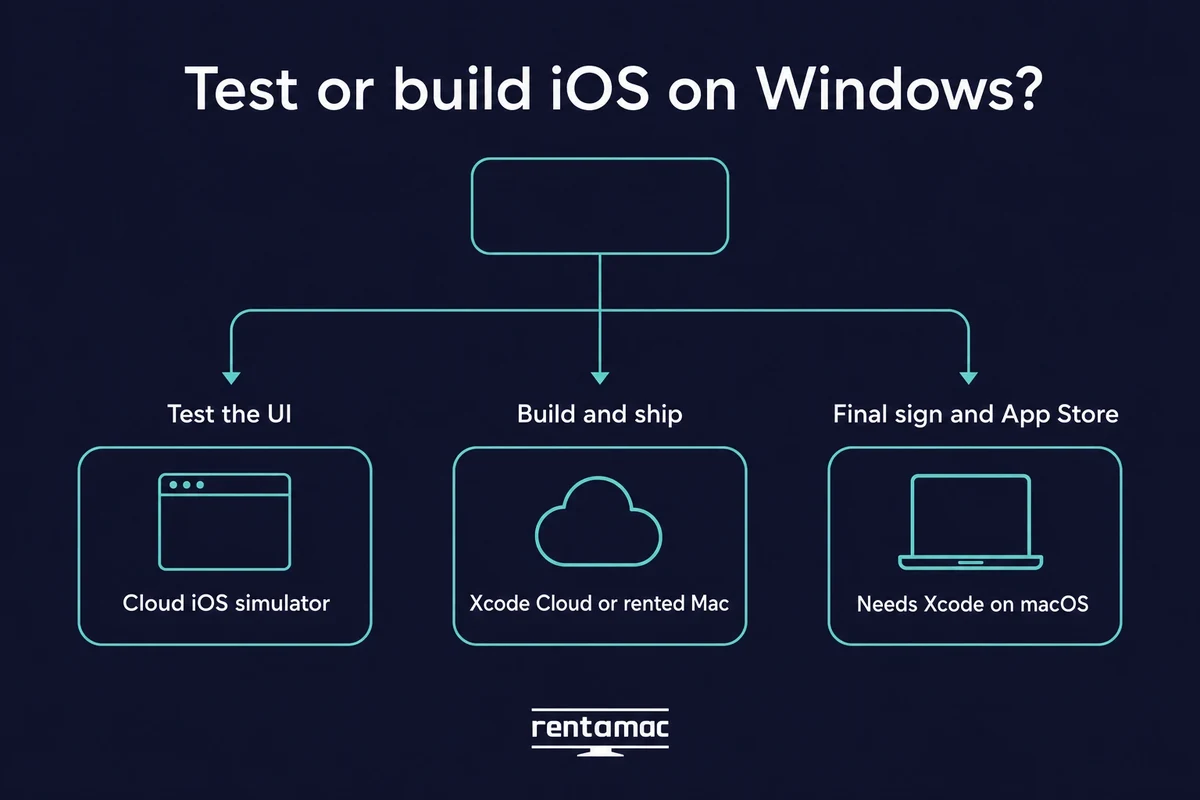
Puedes probar apps iOS en Windows sin tener un Mac. Los simuladores de iOS en la nube desde el navegador te permiten comprobar cómo se ve y se comporta tu app desde un PC con Windows, y Xcode Cloud, el servicio de Apple, puede compilar y publicar un proyecto desde los servidores de Apple. Ambos tienen un límite importante, que explicamos más abajo.
Un simulador de iOS en la nube funciona en una pestaña normal del navegador en Windows. Cargas tu app y compruebas cómo se ven y responden las pantallas, sin necesidad de un Mac para esa parte.
La cobertura de dispositivos es amplia. Los simuladores en la nube actuales cubren desde el iPhone 6 hasta el último iPhone Pro Max, de iOS 9 a iOS 26. No existe un simulador nativo de Xcode para Windows, pero un simulador de iOS en la nube desde el navegador te ofrece la misma prueba en pantalla desde tu PC.
Aquí conviene separar dos ideas. Un simulador te permite probar la interfaz: cómo se ve la app y cómo responde a los toques. Un servicio de compilación compila y firma la app para que se pueda instalar. Resuelven problemas distintos.
Xcode Cloud es el servicio de compilación y pruebas de la propia Apple. Compila tu proyecto y lo envía a TestFlight desde los servidores de Apple, y el Apple Developer Program incluye 25 horas de cómputo gratis al mes (los planes de pago van desde $49.99 por 100 horas hasta bastante más).
Es la opción de Apple y se configura desde Xcode, no es un escritorio remoto al que te conectas. Una vez configurado el proyecto, puedes lanzar las compilaciones de Xcode Cloud desde Windows, porque la compilación se ejecuta en los servidores de Apple y no en tu PC.
Este es el límite que comparten ambos. Un simulador solo prueba la interfaz, y ni siquiera un servicio de compilación en la nube te da el IDE completo de Xcode. La compilación final, la firma del código y el envío al App Store siguen necesitando un Mac real con Xcode, que es justo lo que te da un Mac alquilado.
Así que planifica ambas cosas. Si tu objetivo es todo el pipeline y no una revisión rápida de la interfaz, probar aplicaciones iOS en Windows primero con un simulador en la nube y después pasa a un Mac para la compilación.
Cómo elegir la mejor plataforma de alquiler
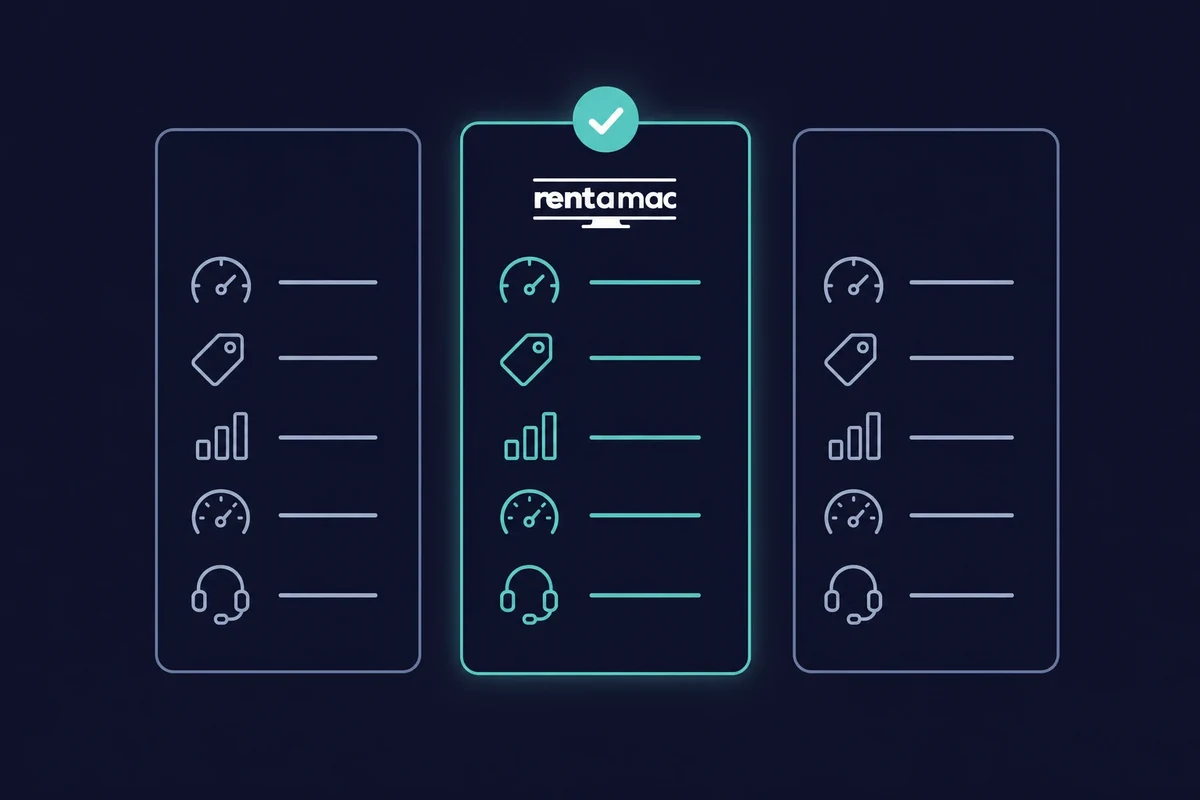
Alquilar un Mac es uno de los métodos más estables y populares, así que conviene saber qué buscar. No todos los proveedores ofrecen el mismo hardware, la misma fiabilidad o el mismo soporte. Valora estos cinco puntos antes de elegir:
- Rendimiento y hardware: Busca hardware Mac dedicado con la RAM, la CPU y el almacenamiento que necesita tu proyecto, sobre todo si vas a usar simuladores de iOS.
- Precio: La mayoría de los proveedores ofrecen planes semanales y mensuales. Rentamac.io destaca porque también tiene planes diarios, y alquilar desde $19 al día o $119 al mes sale más barato que comprar un Mac.
- Latencia: Apps como DeskIn y Parsec mantienen bajo el retraso entre que pulsas una tecla y el Mac responde. Una configuración algo menos potente pero con menos latencia suele ser la máquina más cómoda para el día a día.
- Disponibilidad y fiabilidad: Comprueba el historial de disponibilidad del proveedor y lee opiniones de otros desarrolladores antes de comprometerte.
- Soporte y documentación: Según tu nivel de experiencia, fíjate bien en la calidad de la documentación y del servicio de atención al cliente.
Conclusión
Al igual que con cualquier otra cosa en el campo del desarrollo de software, no hay una opción única para desarrollar aplicaciones con Xcode en Windows. En su lugar, debes explorar las diferentes opciones y encontrar la que se adapte a tus necesidades.
Cada uno de los métodos que hemos mencionado tiene sus pros y sus contras, y varía en complejidad y coste. Si eres un emprendedor que está creando su aplicación, alquilar un Mac por un día puede ser la mejor opción. Por otro lado, los fanáticos de la tecnología pueden optar por su propia configuración Hackintosh.
Todo se reduce a entender tus objetivos a corto y largo plazo y encontrar el método que mejor se adapte a ti. Aunque alquilar un Mac es la opción más estable para la mayoría, otras técnicas también pueden ayudarte a lanzar tu producto en el App Store.
FAQ
¿Cómo puedo ejecutar Xcode en Windows sin comprar un Mac?
Puedes usar un servicio de alquiler de Mac remoto como Rentamac.io. Esta plataforma te permite conectarte a un Mac por internet y ejecutar Xcode como si tuvieras hardware de Apple.
¿Cuál es el mejor método para desarrollar aplicaciones Mac en Windows?
El método más fiable es alquilar un Mac remoto. Garantiza estabilidad, cumplimiento de las normas de Apple y acceso directo a la última versión de Xcode.
¿Es seguro descargar Xcode para Windows desde sitios de terceros?
Apple no ofrece una versión oficial de Xcode para Windows. Cualquier sitio web que ofrezca "Xcode para Windows" está distribuyendo software inseguro o pirata, que puede contener malware. La única forma legítima de obtener Xcode es a través de la Mac App Store en macOS.
¿Puedo desarrollar aplicaciones macOS en Windows?
En parte. Puedes escribir código en Windows, pero necesitas macOS en algún momento para crear, firmar, probar y distribuir una aplicación macOS real.
¿Es Hackintosh una buena manera de instalar Xcode en Windows?
Un Hackintosh puede ejecutar macOS en hardware que no sea de Apple, lo que te permite instalar Xcode. Aunque ofrece mejor rendimiento que una máquina virtual, es difícil de configurar, puede estropearse con las actualizaciones y no cuenta con el soporte oficial de Apple.