AR
AR  EN
EN  ES
ES  PT
PT  TR
TR  FR
FR 
في هذه الصفحة
لا يمكنك استخدام Xcode على Windows. ومع ذلك، يمكنك الوصول إلى Xcode من Windows عبر استئجار جهاز Mac، أو إعداد Hackintosh، أو تشغيل macOS افتراضيًا، أو استخدام بدائل البرمجة متعددة المنصات. الطريقة الأكثر موثوقية هي استئجار Mac سحابي.
Xcode هو بيئة التطوير المتكاملة الرسمية المتكاملة (IDE) من Apple لإنشاء تطبيقات iOS و macOS و watchOS و tvOS.
يأتي مزودًا بميزات مثل Interface Builder والمحاكي وأدوات تصحيح الأخطاء، مما يجعله أداة مفيدة لمطوري macOS. لكن بما أن Xcode مصمم للعمل على macOS فقط، فإن المطورين الذين يفضلون Windows يواجهون مشكلة.
باختصار:
- لا يمكنك تشغيل Xcode بشكل أصلي على Windows، ولا توجد نسخة رسمية لنظام Windows.
- استئجار Mac سحابي هو الطريقة الأكثر موثوقية للحصول على بيئة Xcode الكاملة.
- البدائل هي جهاز افتراضي يعمل بنظام macOS، أو Hackintosh، أو الأدوات متعددة المنصات.
- المحاكيات السحابية عبر المتصفح وخدمة Xcode Cloud من Apple تغطي الاختبار وبناء التطبيقات.
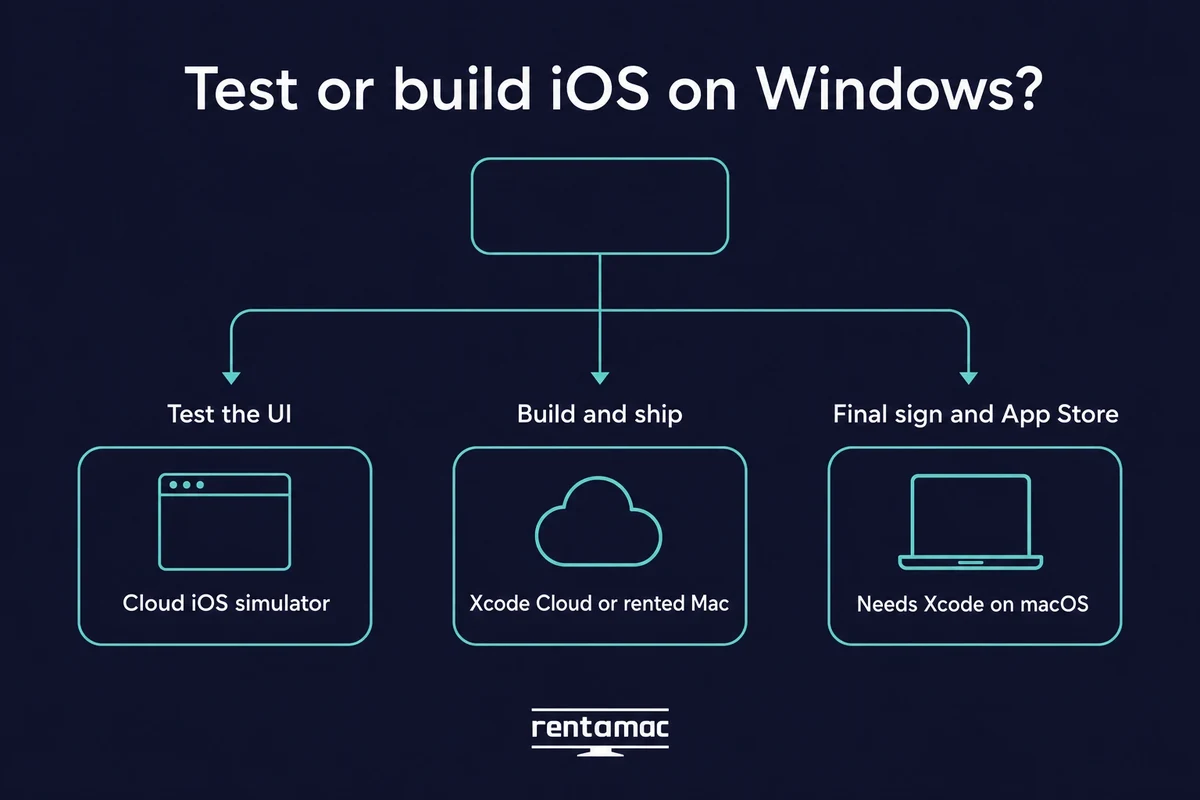
- ما زلت تحتاج إلى Mac حقيقي يعمل عليه Xcode من أجل التوقيع النهائي والنشر على App Store.
يتكامل Xcode بعمق مع نظام Apple البيئي، حيث يعتمد على مكتبات macOS، وأطر العمل على مستوى النظام، وتوافق الأجهزة. هذه بعض الأسباب التي تجعل ويندوز لا يدعم Xcode أصلاً.
كما تقصر Apple التطوير الرسمي لتطبيقات iOS على macOS كجزء من تحكمها في منظومتها. لهذا السبب لا توجد نسخة رسمية من Xcode لنظام Windows. يشرح هذا الدليل الطرق العملية لاستخدام Xcode و تطوير تطبيقات iOS على ويندوز.
طرق تشغيل Xcode على ويندوز
هناك عدة حلول تتيح لك استخدام بيئة التطوير من Apple بشكل غير مباشر، وتختلف في التكلفة والجهد. يلخص الجدول التالي الطرق الأربع في لمحة، وتقدم الأقسام التي تليه التفاصيل.
| الطريقة | التكلفة | الصعوبة | القانونية | الأفضل لـ |
|---|---|---|---|---|
| جهاز افتراضي يعمل بنظام macOS | مجاني، لكنه يحتاج إلى عتاد قوي | متوسطة | منطقة رمادية | الهواة الذين لديهم حاسوب بذاكرة 16GB أو أكثر |
| Mac سحابي (موصى به) | من $19 يوميًا أو $119 شهريًا | سهلة | مسموح بالكامل | معظم من يريدون تشغيله بسرعة |
| هاكينتوش | مجاني، لكنه يحتاج إلى قطع متوافقة | صعبة | منطقة رمادية | عشاق العتاد الباحثون عن السرعة |
| الأدوات متعددة المنصات | من مجاني إلى متوسط السعر | متوسطة | مسموح | كتابة قاعدة شيفرة واحدة لنظامي iOS وAndroid |
1. تشغيل macOS في جهاز افتراضي
الجهاز الافتراضي يشغّل macOS داخل Windows. إذا كنت تفضل استخدام أجهزة الكمبيوتر الشخصية الخاصة بك، يمكنك محاكاة نظام التشغيل iOS على ويندوز عبر إعداد جهاز افتراضي (VM) يشغّل macOS. ستحتاج إلى برنامج مثل VMware Workstation أو Oracle VirtualBox.
يتطلب الجهاز الافتراضي عتادًا حقيقيًا. خصص له 16GB من الذاكرة RAM على الأقل (والأفضل 32GB)، ومعالجًا متعدد الأنوية، و50GB أو أكثر من المساحة الحرة، لأن ملف تثبيت macOS وحده يبلغ نحو 14GB. واحرص أيضًا على اتصال سريع، إذ توصي أدلة التثبيت لعام 2026 بسرعة 20 Mbps أو أكثر، ويستغرق تنزيل Xcode وحده من 30 إلى 60 دقيقة.
هناك أيضًا شرط توافق الإصدارات الذي يتعثر فيه كثيرون. يجب أن يتوافق إصدار Xcode مع إصدار macOS، لذا يحتاج Xcode 26 إلى macOS Sequoia 15.6 أو أحدث، وإلا سيُمنع التثبيت. تعمل هذه الطريقة بالشكل نفسه على Windows 10 وWindows 11، ولا توجد نسخة منفصلة من Xcode خاصة بـ Windows 11.
بعد تشغيل الجهاز الافتراضي، تثبّت Xcode تمامًا كما تفعل على Mac حقيقي. على VMware تطبّق أولًا تعديل macOS Unlocker، ثم تثبّت macOS وتنزّل Xcode من Mac App Store.
لا تكلّف هذه الطريقة شيئًا في البداية. المشكلة في العتاد، لأنك تحتاج إلى حاسوب قوي بما يكفي لتشغيل نظامي تشغيل في الوقت نفسه. كما أن ترخيص Apple يقصر macOS على أجهزة Apple، لذا تقع هذه الطريقة في منطقة رمادية.
2. استخدم Mac سحابيًا (موصى به)
يُعد Mac السحابي الطريق الأكثر موثوقية. تستأجر جهاز Mac في السحابة ويُبث سطح مكتبه إلى حاسوبك. تحصل على بيئة macOS حقيقية مع Xcode كاملًا، دون الحاجة إلى أجهزة Apple، وتسجّل الدخول من Windows وتعمل كما لو كان الـ Mac على مكتبك.
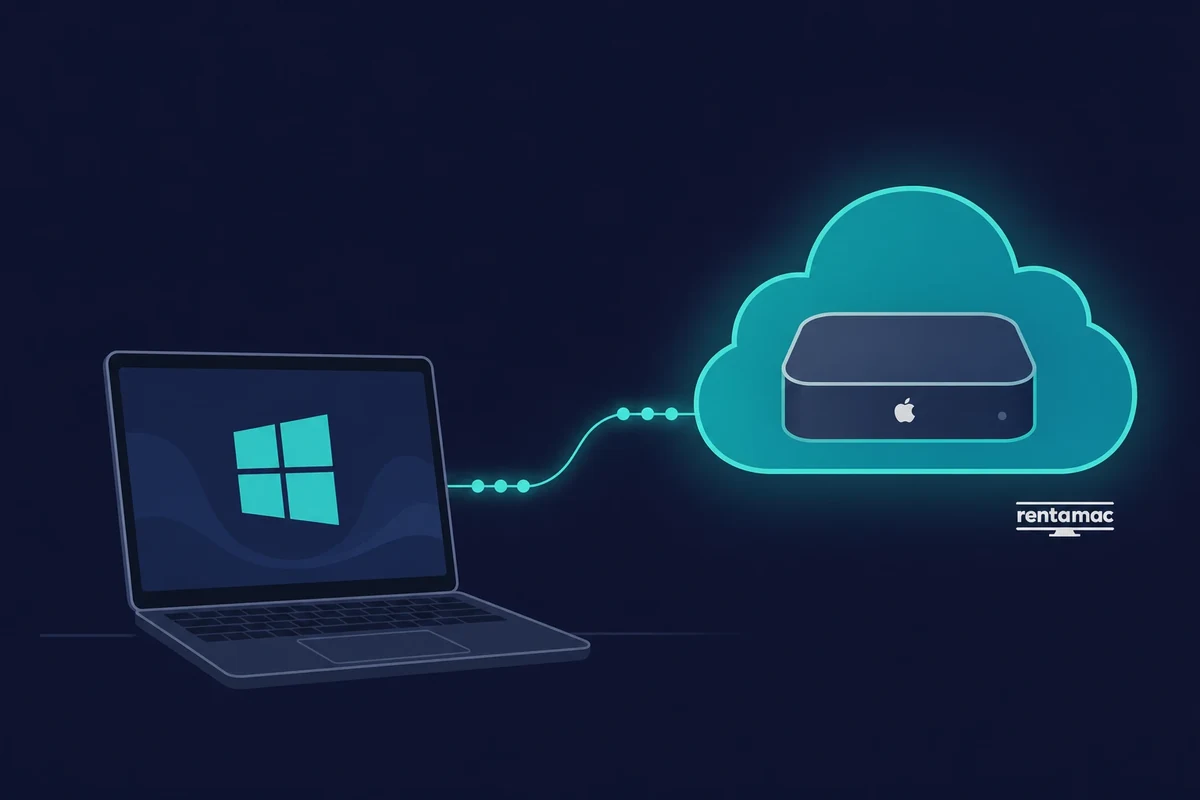
توجد خدمات تأجير Mac السحابية لهذا الغرض تحديدًا، و Rentamac.io واحدة منها. تحصل على Mac mini M4 سحابي مخصص لك (ذاكرة 16GB RAM، وتخزين 256GB SSD، وmacOS 27.0 أو أحدث) مع صلاحيات مدير كاملة، وتتصل به عبر تطبيقات منخفضة التأخير مثل DeskIn أو Parsec.
تبدأ الخطط من $19 يوميًا أو $119 شهريًا. الإعداد بسيط: تشترك، وتسجّل الدخول عن بُعد، وتستخدم Xcode بالطريقة نفسها كما على Mac حقيقي، دون أي منطقة رمادية في الترخيص ودون بطء ناتج عن مشاركة عتاد حاسوبك.
3. إعداد هاكينتوش
يقوم Hackintosh بتشغيل macOS على أجهزة ليست من Apple. إنها الطريقة الأكثر تعقيدًا في القائمة، لكنها أسرع من الجهاز الافتراضي لأن macOS يعمل مباشرة على عتادك بدلًا من العمل داخل نظام ضيف. هذه مهمة لعشاق التقنية الحقيقيين.
باستخدام عتاد متوافق وخطوات التثبيت الصحيحة، يمكنك تجهيز حاسوب يعمل بنظام Windows ويقلع أيضًا في macOS ويشغّل Xcode بشكل أصلي. هذه السرعة هي ما يجذب المستخدمين المتقدمين إلى إعداد Hackintosh مع Xcode رغم المنطقة الرمادية القانونية.
العيوب حقيقية: الإعداد صعب، وقد تُفسد تحديثات البرامج النظام، ولا تقدم Apple أي دعم له.
4. ترميز عبر المنصات + اختبار على نظام التشغيل Mac
تتيح لك الأدوات متعددة المنصات كتابة معظم الشيفرة على Windows. إذا أردت تجنب تكلفة استئجار Mac أو الساعات التي يتطلبها إعداد جهاز افتراضي، يمكنك اختيار البرمجة متعددة المنصات وكتابة معظم تطبيقك على Windows.
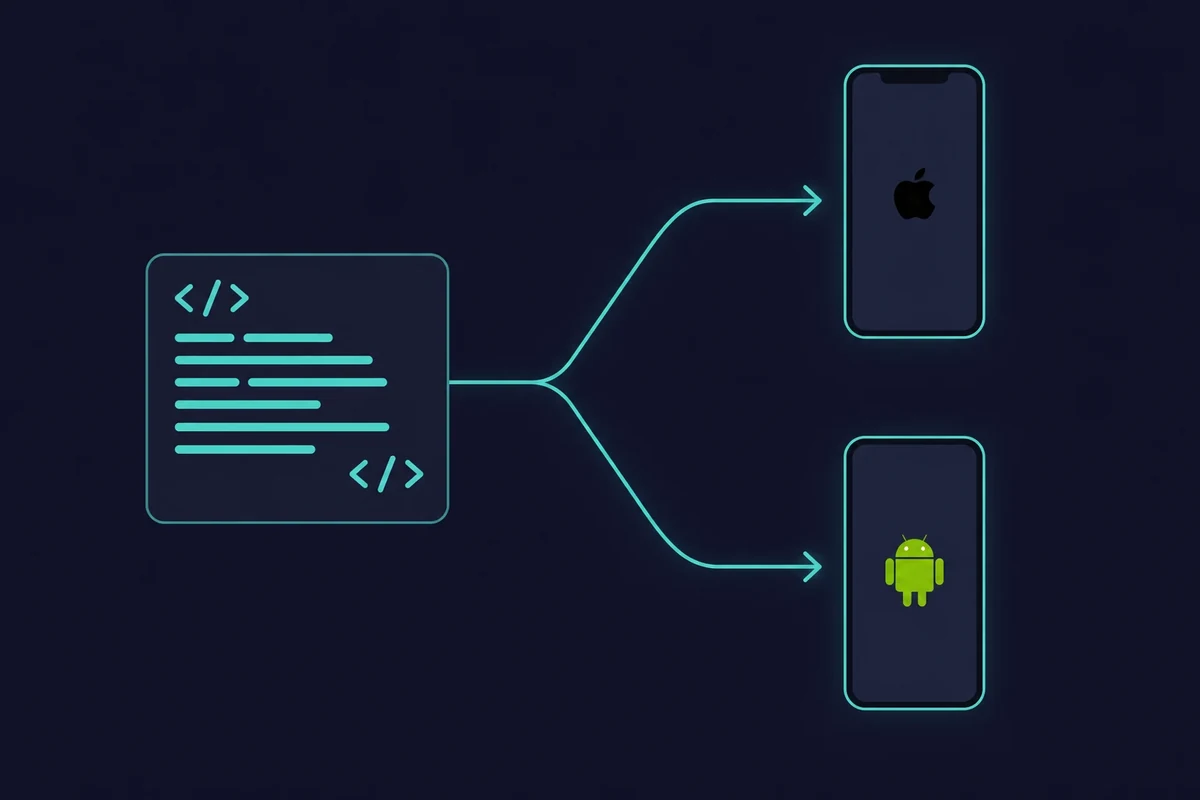
يمكنك استخدام Flutter أو React Native أو Xamarin أو خيارات أخرى لبناء التطبيقات واختبارها على Windows باستخدام المحاكيات الخاصة بها. لكنك ستظل بحاجة إلى Xcode على جهاز Mac للبناء والتوقيع النهائيين. إليك ما تقدمه كل أداة:
- رفرفة (بواسطة جوجل): إطار عمل مفتوح المصدر يتيح لك كتابة التطبيقات بلغة Dart وتحويلها إلى تطبيقات iOS وAndroid أصلية. ميزة hot reload ومجتمعه الواسع يجعلانه من المفضلين للتجربة السريعة أثناء التعديل.
- React Native: طورته Meta، ويتيح React Native للمطورين استخدام JavaScript وReact لإنشاء تطبيقات متعددة المنصات. وقد بُنيت تطبيقات معروفة كثيرة، مثل Instagram، باستخدام هذا الإطار.
- Xamarin (من Microsoft): مناسب للمطورين الذين يفضلون C# و.NET. يتيح Xamarin مشاركة الشيفرة بين Android وiOS وWindows مع الاحتفاظ بإمكانية الوصول إلى واجهات API الأصلية لكل منصة.
- Codemagic & Expo: تعمل هذه المنصات السحابية على أتمتة عملية البناء والاختبار. فهي تتولى جزءًا كبيرًا من العمل الشاق، إذ تكتب الشيفرة على Windows وترسل التطبيقات إلى خوادمها لبنائها لنظام iOS.
يجمع كثير من المطورين بين البرمجة متعددة المنصات على Windows والاستخدام العرضي لجهاز Mac مستأجر أو مستعار من أجل النشر.
كيفية اختبار تطبيقات iOS على Windows دون إعداد Mac كامل
يمكنك اختبار تطبيقات iOS على Windows دون امتلاك Mac. تتيح لك محاكيات iOS السحابية عبر المتصفح التحقق من مظهر تطبيقك وسلوكه من حاسوب يعمل بنظام Windows، كما يمكن لخدمة Xcode Cloud من Apple بناء المشروع ونشره من خوادم Apple. لكل منهما حد مهم نشرحه أدناه.
يعمل محاكي iOS السحابي في علامة تبويب عادية في متصفح Windows. تحمّل تطبيقك وتتحقق من مظهر الشاشات واستجابتها، دون الحاجة إلى Mac في هذه المرحلة.
تغطية الأجهزة واسعة. تشغّل المحاكيات السحابية الحديثة كل شيء من iPhone 6 حتى أحدث iPhone Pro Max، ومن iOS 9 حتى iOS 26. لا يوجد محاكي Xcode أصلي لنظام Windows، لكن محاكي iOS السحابي عبر المتصفح يمنحك الاختبار نفسه على الشاشة من حاسوبك.
من المفيد هنا التمييز بين فكرتين. يتيح لك المحاكي اختبار الواجهة، أي مظهر التطبيق واستجابته للمس. أما خدمة البناء فتقوم فعليًا بتجميع التطبيق وتوقيعه ليصبح قابلًا للتثبيت. كل منهما يحل مشكلة مختلفة.
Xcode Cloud هي خدمة البناء والاختبار الخاصة بـ Apple. تبني مشروعك وترسله إلى TestFlight من خوادم Apple، ويتضمن Apple Developer Program خمسًا وعشرين ساعة حوسبة مجانية شهريًا (تبدأ الباقات المدفوعة من $49.99 مقابل 100 ساعة وتصل إلى أعلى بكثير).
إنها خيار Apple، وتُضبط من داخل Xcode وليست سطح مكتب بعيدًا تسجّل الدخول إليه. بعد إعداد المشروع يمكنك تشغيل عمليات البناء في Xcode Cloud من Windows، لأن البناء نفسه يجري على خوادم Apple وليس على حاسوبك.
وهذا هو الحد المشترك بينهما. المحاكي يختبر الواجهة فقط، وحتى خدمة البناء السحابية لا تمنحك بيئة Xcode الكاملة. ما زال البناء النهائي وتوقيع الشيفرة والإرسال إلى App Store يحتاج إلى Mac حقيقي يعمل عليه Xcode، وهذا بالضبط ما يوفره لك Mac مستأجر.
لذا خطط للأمرين معًا. إذا كان هدفك هو الـ pipeline الكامل وليس مجرد فحص سريع للواجهة، اختبار تطبيقات iOS على ويندوز ابدأ بمحاكي سحابي، ثم انتقل إلى Mac من أجل البناء.
كيفية اختيار أفضل منصة تأجير
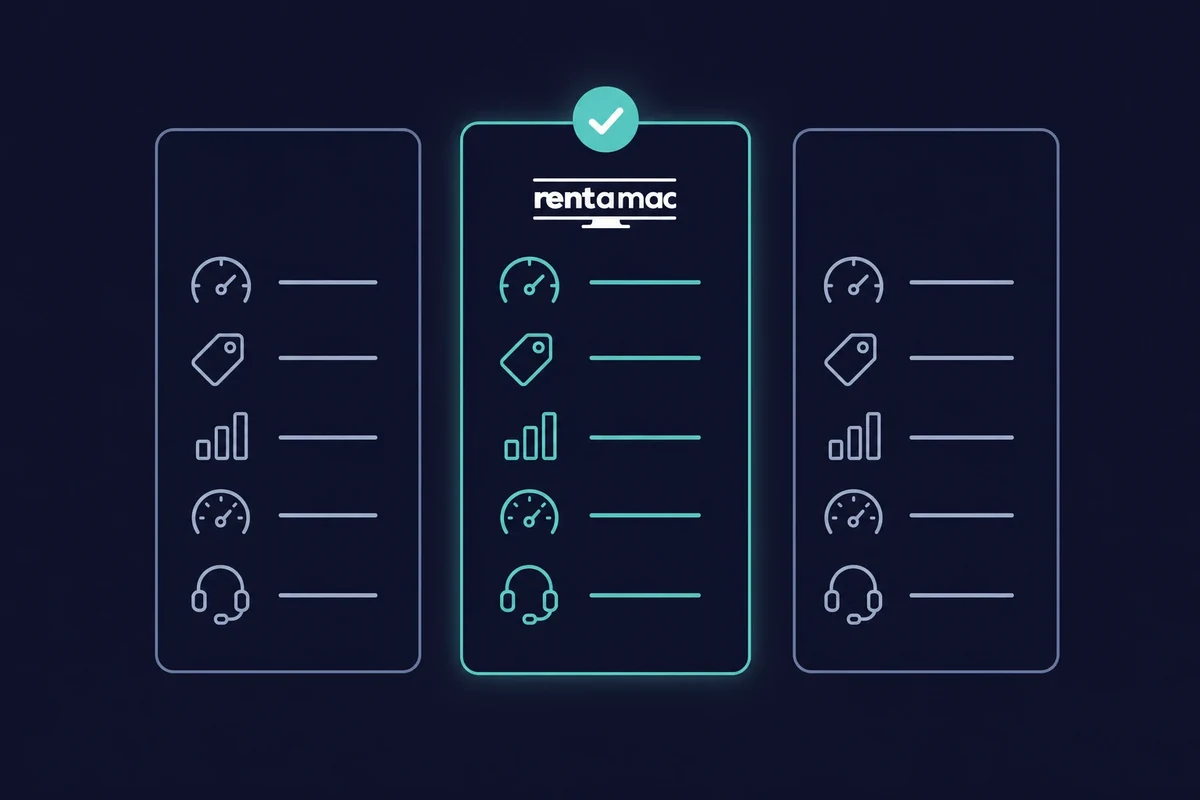
استئجار Mac من أكثر الطرق ثباتًا وشيوعًا، لذا من المفيد أن تعرف ما الذي تبحث عنه. لا يقدم كل المزودين العتاد أو الموثوقية أو الدعم نفسه. قيّم هذه النقاط الخمس قبل أن تختار:
- الأداء والعتاد: ابحث عن أجهزة ماك مخصصة بذاكرة RAM ومعالج ومساحة تخزين تلبي احتياجات مشروعك، خاصة إذا كنت تخطط لتشغيل محاكيات iOS.
- السعر: يقدم معظم المزودين خططًا أسبوعية وشهرية. يتميز Rentamac.io بتوفير خطط يومية أيضًا، واستئجار Mac بدءًا من $19 يوميًا أو $119 شهريًا أرخص من شرائه.
- زمن الاستجابة: تحافظ تطبيقات مثل DeskIn وParsec على تأخير منخفض بين ضغطك على مفتاح واستجابة الـ Mac. غالبًا ما يكون الإعداد الأضعف قليلًا مع زمن استجابة أقل هو الجهاز الأكثر راحة في العمل اليومي.
- وقت التشغيل والموثوقية: تحقق من سجل وقت التشغيل لدى المزود واقرأ آراء المطورين الآخرين قبل أن تلتزم.
- الدعم والتوثيق: بحسب مستوى خبرتك، انتبه جيدًا لجودة التوثيق ودعم العملاء المتاح.
الخاتمة
كما هو الحال مع أي شيء في مجال تطوير البرمجيات، لا يوجد خيار واحد يناسب الجميع لتطوير التطبيقات باستخدام Xcode على ويندوز. بدلاً من ذلك، يجب عليك استكشاف الخيارات المختلفة والعثور على الخيار الذي يناسب احتياجاتك.
لكل طريقة من الطرق التي ذكرناها إيجابيات وسلبيات، وتختلف من حيث التعقيد والتكلفة. إذا كنت من أصحاب الأعمال المنفردة في بناء تطبيقك، فإن استئجار جهاز ماك ليوم واحد قد يكون الخيار الأفضل. من ناحية أخرى، قد يختار المهووسون بالتقنية إعداد Hackintosh الخاص بهم.
في النهاية، يتعلق الأمر بفهم أهدافك على المدى القصير والطويل، والعثور على الطريقة التي تناسبك أكثر. ومع أن استئجار Mac هو الخيار الأكثر ثباتًا لمعظم الناس، فإن تقنيات أخرى يمكن أن تساعدك أيضًا على إطلاق منتجك على App Store.
الأسئلة الشائعة
كيف يمكنني تشغيل Xcode على نظام ويندوز دون شراء جهاز ماك ؟
يمكنك استخدام خدمة لتأجير Mac عن بُعد مثل Rentamac.io. تتيح لك هذه المنصة الاتصال بجهاز Mac عبر الإنترنت وتشغيل Xcode كما لو كنت تملك أجهزة Apple.
ما هي أفضل طريقة لتطوير تطبيقات Mac على Windows؟
الطريقة الأكثر موثوقية هي استئجار جهاز Mac عن بُعد. فهي تضمن الاستقرار والامتثال لقواعد أبل والوصول المباشر إلى أحدث إصدار من Xcode.
هل من الآمن تنزيل Xcode لنظام ويندوز من مواقع الجهات الخارجية؟
لا، لا توفر Apple نسخة رسمية من Xcode لنظام ويندوز. أي موقع إلكتروني يعرض "Xcode لنظام ويندوز" يوزع برامج غير آمنة أو مقرصنة، والتي قد تحتوي على برمجيات خبيثة. الطريقة الشرعية الوحيدة للحصول على Xcode هي من خلال متجر تطبيقات ماك على نظام ماك.
هل يمكنني تطوير تطبيقات macOS على ويندوز؟
جزئيًا. يمكنك كتابة التعليمات البرمجية على ويندوز، ولكنك تحتاج إلى نظام macOS في مرحلة ما لإنشاء تطبيق macOS حقيقي وتوقيعه واختباره وشحنه.
هل Hackintosh طريقة جيدة لتثبيت Xcode على ويندوز؟
يمكن ل Hackintosh تشغيل macOS على أجهزة غير تابعة لشركة Apple، مما يسمح لك بتثبيت Xcode. على الرغم من أنه يقدم أداءً أفضل من الجهاز الافتراضي، إلا أنه من الصعب إعداده، وقد يتعطل بعد التحديثات، وهو غير مدعوم رسمياً من Apple