
 EN
EN  ES
ES  PT
PT  TR
TR  FR
FR  AR
AR The 35 Best OpenClaw Skills Worth Installing in 2026

On this page ›Before you install anything from ClawHub ›The best OpenClaw skills to install first ›Productivity and knowledge ›Search and research ›macOS native skills ›Communication ›Media and content creation ›Development tools ›AI and agent enhancement ›Smart home ›Security tools ›My actual setup ›How to install skills ›Frequently asked questions ›The bottom line OpenClaw ships […]
Best Local LLMs for OpenClaw (2026 guide)

On this page ›Where the RAM actually goes ›Models that actually work ›Runtime choice: it matters more than you think ›How much RAM you actually need ›Speed and latency: what local actually feels like ›OpenClaw config for local models ›When local isn’t enough ›The pick: four hardware paths Everyone’s running OpenClaw with a local LLM […]
OpenClaw vs Claude: The Brain vs the Body. I Run Both.

On this page ›Claude is three products pretending to be one ›Where Claude actually beats OpenClaw ›How OpenClaw and Claude Code differ as agents ›Where OpenClaw still wins (and probably always will) ›The privacy picture is more interesting than you’d think ›Stop comparing them. Combine them. ›What it actually costs to run OpenClaw on Claude […]
OpenClaw vs ChatGPT: I Tested Both. Here’s My Honest Pick
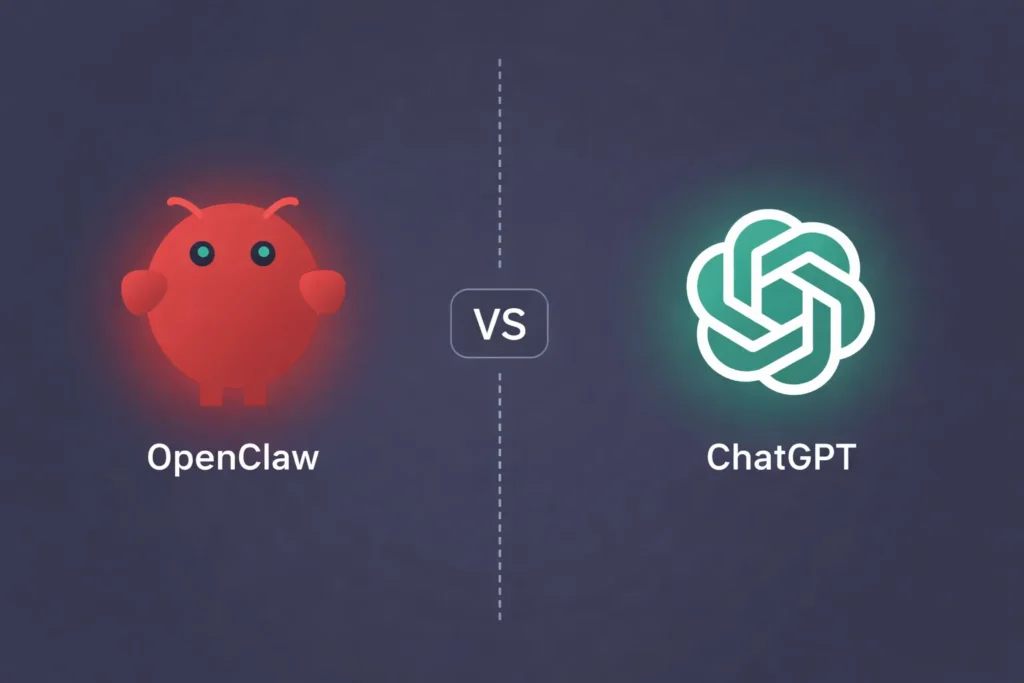
People keep comparing these two like they’re rivals. They’re not. One is a piece of software you install on your own hardware. The other is a website you log into. Comparing OpenClaw and ChatGPT is like comparing Photoshop and Canva. Same general category, totally different approach to getting there. But the question won’t stop. Every […]
How to secure OpenClaw on a Mac Mini
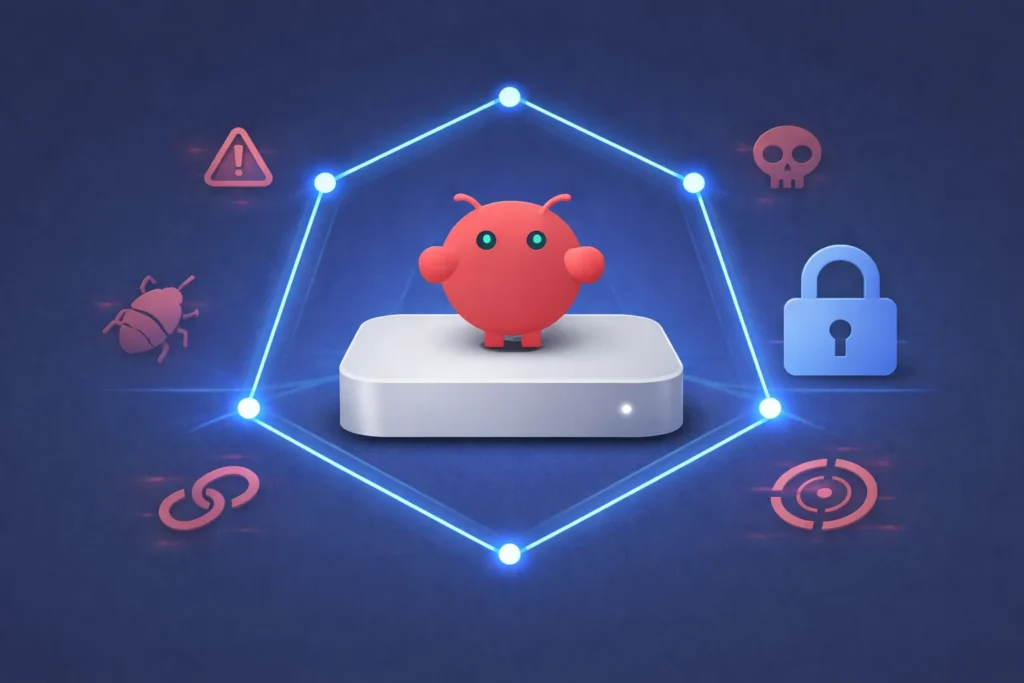
42,665. That’s how many OpenClaw instances security researcher Maor Dayan found sitting on the open internet in a single Shodan scan. Of those, 93.4% had auth bypasses. Eight had zero protection at all. No password, no token, full shell access to anyone who typed in the IP. Then CVE-2026-25253 dropped. CVSS 8.8. A remote code […]
How to set up OpenClaw on a Mac Mini
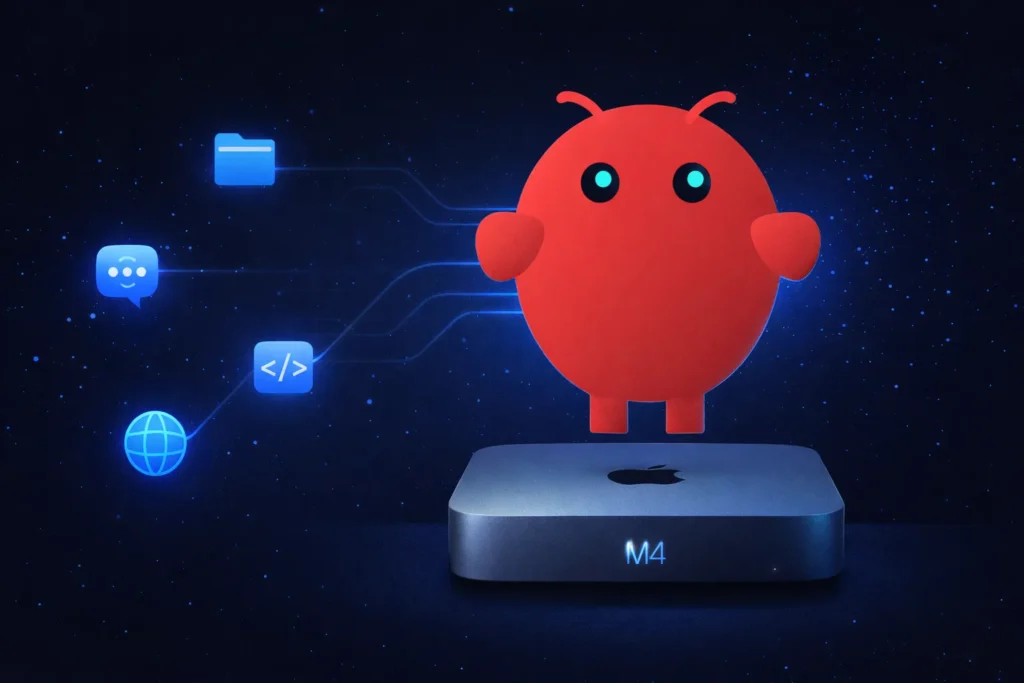
I spent a weekend turning a Mac Mini into a personal AI agent that runs around the clock. No cloud subscription. No monthly bill beyond API costs. Just a small silver box on my desk that reads my messages, manages files, browses the web, and runs code on its own. That’s OpenClaw. And getting it […]
Install Xcode on Windows Without Owning a Mac
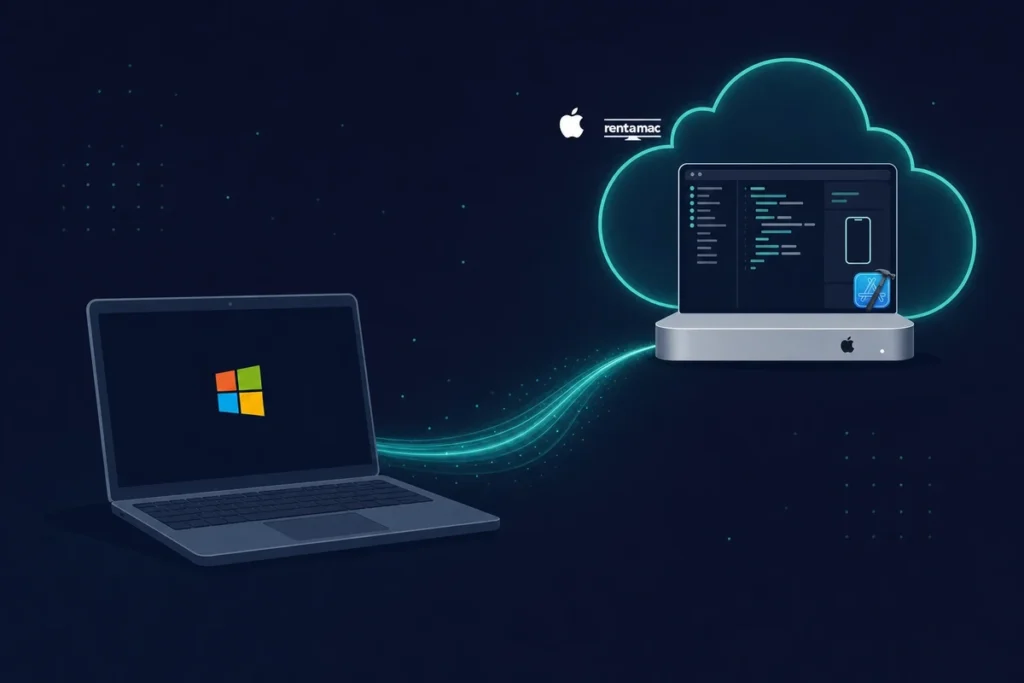
On this page ›Methods to Run Xcode on Windows ›How to test iOS apps on Windows without a full Mac setup ›How to Pick the Best Renting Platform ›Conclusion ›FAQ You can’t use Xcode on Windows. However, you can access Xcode on Windows by using rented Macs, creating a Hackintosh setup, running virtual macOS, or […]
iOS App Development Statistics

On this page ›iOS App Development Statistics: 2026 Snapshot ›Developer Overview: Who’s Building iOS Apps in 2026? ›Tooling Trends in iOS Development ›Key Challenges for iOS Developers in 2026 ›Evolving Platforms and Future Directions ›Cross-Platform Development: Flutter, React Native & Vapor ›Developer Sentiment: How Developers Feel About Apple ›Monetization Models and Revenue Sources ›iOS and […]
Best MacBook for Data Science in 2026 (Buying Guide)

On this page ›What MacBook Specs Matter for Data Science? ›Fanless versus Fan: How Heat Affects Performance ›More Than Just Specs: Screen, Ports, and Easy Carrying ›Cost-Benefit Analysis: Where Your Budget Should Go ›Which MacBook should you buy for data science? ›Want to Check Out the MacBook Before Buying? Here’s How to Do It the […]
Run Phi-4 Locally

Phi-4 is a quick and compact open-source language model created by Microsoft. It’s designed to be clear, easy to use, and good for everyday tasks, and you can run it right on your computer without needing subscriptions, API tokens, or cloud services. If you’re a developer, student, or creative professional, using Phi-4 on your own […]