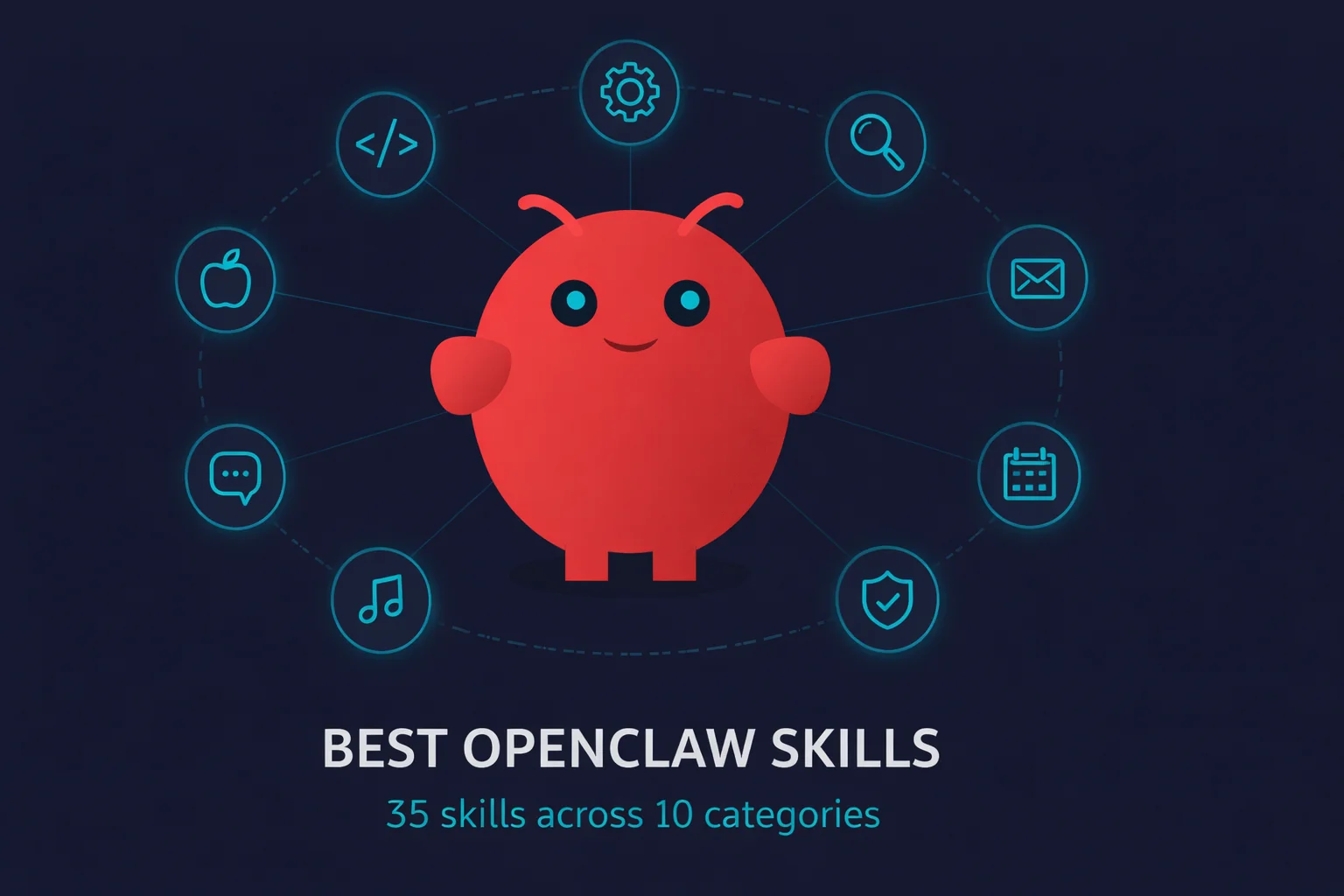
OpenClaw ships with 53 skills. ClawHub has over 10,000 more. And about 1,200 of those were recently found to contain malware.
So yeah, picking the right ones matters.
I spent a week digging through ClawHub’s most popular skills by downloads, cross-referencing community recommendations, and filtering out anything that looked sketchy. Skills are what make OpenClaw worth using over ChatGPT or Claude. Most “best skills” lists just dump names with no context. This one is different. I’ll tell you what each skill actually does, whether it’s safe, and whether it’s worth the install.
But first: the security stuff. Skip this section at your own risk.
Before you install anything from ClawHub
In February 2026, security researchers at Koi Security audited 2,857 ClawHub skills and found 341 that were actively malicious. 335 came from a single coordinated campaign they named “ClawHavoc.” Later reports pushed the total past 1,100.
The malicious skills had names like “smart-email-assistant” and “calendar-sync-pro.” They looked normal. The SKILL.md files had legitimate-looking instructions with malware commands buried in fake “prerequisites” sections. The payloads waited 24-48 hours before activating, so you wouldn’t connect the install to the infection.
What they delivered: Atomic macOS Stealer (AMOS), a malware-as-a-service kit that costs attackers $500-1K/month. Some skills also exfiltrated Discord message histories in Base64 chunks.
ClawHub responded by removing 2,419 suspicious skills (the registry dropped from 5,700 to 3,286 overnight) and partnering with VirusTotal for automatic scanning. The registry has since grown back to 10,000+ skills, and their vetting is better now. But “better” and “bulletproof” are different things. (For a deeper dive on locking down your OpenClaw instance, see the full security guide.)
My rules for installing community skills:
- Prefer bundled skills (the 53 that ship with OpenClaw). Zero risk.
- Check the author. @steipete is Peter Steinberger, the creator of OpenClaw. His skills are essentially first-party. @byungkyu publishes OAuth API wrappers in bulk, they’re fine but generic.
- Look at version count and star count. A skill with 12 versions and 338 stars has been maintained and vetted by the community. A skill with 1 version and 0 stars? Read the source first.
- Install the Skill Vetter skill (3.5K downloads) before you install anything else from ClawHub. It scans skills for red flags before and after installation.
- If you’re testing unknown skills, do it on a disposable machine. Renting a Mac Mini for a week costs less than recovering from credential theft.
With that out of the way, here’s what’s actually worth installing.
The five to install first
These are either bundled with OpenClaw or from @steipete. High download counts, proven stable, zero security concerns.
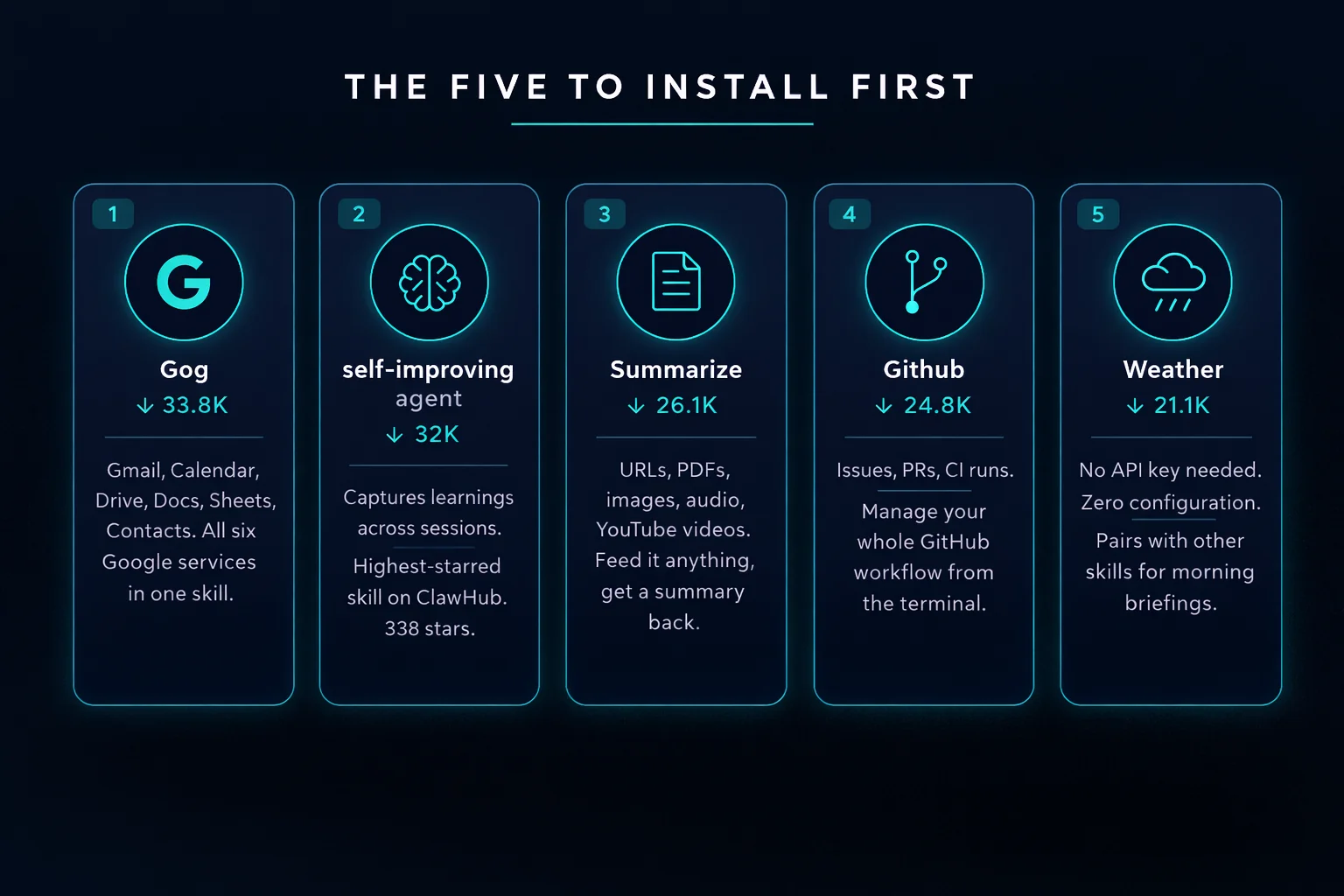
| Skill | Downloads | Why install it |
|---|---|---|
| Gog | 33.8K | One skill gives you Gmail, Calendar, Drive, Docs, Sheets, and Contacts. The single most powerful skill on the platform. “Send the Q3 report to Sarah and add a follow-up meeting for Thursday at 2pm.” One sentence. Two Google services. Done. |
| self-improving-agent | 32K | Highest-starred skill on ClawHub (338 stars). Captures learnings across sessions so OpenClaw gets better at your specific workflows. Correct a mistake once, the agent remembers. 12 versions, actively maintained. |
| Summarize | 26.1K | Feed it a URL, PDF, image, audio, or YouTube video. Get a summary back. I use this daily. “Summarize this 45-minute YouTube video” saves you 44 minutes. |
| Github | 24.8K | GitHub CLI for issues, PRs, CI runs. “Check if any CI runs failed overnight and summarize the errors.” That used to be 10 minutes of clicking through GitHub’s UI. |
| Weather | 21.1K | No API key, no setup. Sounds basic, but combined with other skills for a morning briefing (“What’s the weather, what’s on my calendar, any urgent emails?”), it earns its place. |
Productivity and knowledge
Where skills start paying for themselves. These turn OpenClaw from a chatbot into something that actually manages your work.
| Skill | Downloads | Why install it |
|---|---|---|
| Ontology | 27.6K | Typed knowledge graph for structured memory. Where self-improving-agent captures learnings as text, Ontology stores them as structured data with relationships. “This contact works at that company which is a client on this project.” The agent can traverse those connections later. By @oswalpalash. |
| Notion | 13.9K | Full Notion API. Pages, databases, blocks. “Add a row to my reading list with this book title and set status to ‘want to read'” actually works. If Notion is your second brain, this connects it to your first. By @steipete. |
| Obsidian | 12.4K | Local-first, plain Markdown, no cloud dependency. The privacy-conscious alternative to Notion. Searches your vault, creates notes, links between them. By @steipete. |
| Clawdbot Docs Expert | 9.9K | Decision-tree documentation navigation. Instead of Googling “openclaw how to configure auth profiles” and wading through forum posts, ask your agent directly. 94 stars, 5 versions. By @NicholasSpisak. |
Search and research
OpenClaw can already browse the web, but these skills make it way better at finding things.
| Skill | Downloads | Why install it |
|---|---|---|
| Tavily Web Search | 28K | AI-optimized search. Cleaner, more relevant results than raw Google for agent use cases. Needs an API key, but Tavily has a generous free tier. The community’s go-to search skill. By @arun-8687. |
| Brave Search | 10.4K | Privacy-focused alternative. If you already use Brave, the API key comes with your account. By @steipete. |
| Multi Search Engine | 4.5K | 17 search engines, no API key. The zero-config option if you don’t want to sign up for anything. By @gpyAngyoujun. |
macOS native skills
These only work on Macs. And they’re some of the best skills on the platform, because they tap into Apple’s native apps with zero configuration. No API keys. No OAuth flows. Just install and go.
| Skill | Downloads | What it connects to |
|---|---|---|
| Apple Notes | 6.5K | Notes app. “Save this as a note called ‘meeting takeaways’.” |
| Apple Reminders | 5.8K | Reminders. “Remind me to call the dentist tomorrow at 9am.” Syncs to iPhone via iCloud. |
| Apple Calendar | 4.4K | Calendar. Reads events, checks availability. Pairs with Gog for dual-calendar setups. |
| Things Mac | 6.2K | Things 3 task manager. Popular among Mac power users. |
| Apple Shortcuts | 5.9K | Run any Apple Shortcut. The sleeper pick of this whole list. If you’ve built Shortcuts automations, OpenClaw now has access to all of them. |
| iMessage | 3.5K | iMessage and SMS. List chats, search history, send messages. |
All six by @steipete. Together they turn a Mac Mini into a personal assistant that talks to every native Apple app on the machine. No accounts to create, no APIs to configure. If you’re running OpenClaw on a Mac, and you should be, install all of them.
Communication
| Skill | Downloads | Why install it |
|---|---|---|
| Himalaya | 9.2K | IMAP/SMTP email. Works with any provider, not just Gmail. Outlook, ProtonMail, custom domains. By @lamelas. |
| Slack | 8.8K | “What did the engineering team discuss about the launch yesterday?” pulls relevant messages without scrolling 200 unreads. By @steipete. |
| Discord | 6.6K | Servers, channels, messages. By @steipete. |
| Signal | 5.7K | Secure messaging. If you care about privacy enough to use Signal, you probably care enough to keep your messages off cloud APIs. Runs locally. By @steipete. |
Media and content creation
| Skill | Downloads | Why install it |
|---|---|---|
| Nano Banana Pro | 13.4K | Generate and edit images with Gemini 3 Pro. “Create a blog header showing a Mac Mini with glowing neural connections” and you get something back in seconds. By @steipete. |
| OpenAI Whisper | 11.5K | Local speech-to-text. No API key. Runs entirely on your machine, so your audio never leaves your computer. Point it at a meeting recording and get a transcript. By @steipete. |
| YouTube Watcher | 9.1K | Fetches YouTube transcripts. Combine with Summarize and you can digest a 2-hour conference talk in 30 seconds. By @Michaelgathara. |
| Spotify | 6.2K | Control Spotify playback via spogo CLI. “Play some lo-fi while I work.” Minor, but it makes the agent feel more like an actual assistant. By @steipete. |
Development tools
Beyond the Github skill covered above, these help if you write code.
| Skill | Downloads | Why install it |
|---|---|---|
| API Gateway | 13K | Connect to 100+ APIs with managed OAuth. Stripe, Salesforce, HubSpot, you name it. 47 versions means it’s under active development. By @byungkyu. |
| Mcporter | 11.1K | Official MCP server management. Install, configure, and manage Model Context Protocol servers from OpenClaw. By @steipete. |
| Frontend Design | 8.1K | Generates production-grade frontend interfaces. Actual usable components. By @steipete. |
| n8n | 3.5K | Workflow automation via n8n API. If you’re running n8n for automation pipelines, this lets OpenClaw trigger and manage those workflows. By @thomasansems. |
| Commit Message | 3K | Auto-generates git commit messages from staged changes. Small utility, daily use. By @bastos. |
AI and agent enhancement
Skills that make OpenClaw itself smarter or cheaper to run. If you want to go even further and run models locally instead of paying per token, check the local LLM guide.
| Skill | Downloads | Why install it |
|---|---|---|
| Free Ride | 11.3K | Access free AI models from OpenRouter. Try different models without paying for API keys. 4 versions. By @Shaivpidadi. |
| Model Usage | 8.3K | Per-model cost tracking. Know exactly what you’re spending on Claude, GPT, etc. No more surprise API bills. By @steipete. |
| Oracle | 3.3K | Second-model review for debugging. Sends your code to a different model for a fresh perspective. Like having a colleague review your work, except the colleague is another LLM. By @steipete. |
Smart home
| Skill | Downloads | Why install it |
|---|---|---|
| Sonos CLI | 20.2K | Control Sonos speakers. Discover, play, volume, grouping. Third most downloaded @steipete skill after Gog and Summarize. Apparently a lot of OpenClaw users have Sonos. |
| Home Assistant | 6.1K | Full Home Assistant integration. “Turn off the living room lights and set the thermostat to 68” from your terminal. 8 versions. By @JK-0001. |
Security tools
After the ClawHavoc section above, you probably want these.
| Skill | Downloads | Why install it |
|---|---|---|
| Skill Vetter | 3.5K | Security-first skill vetting. Scans ClawHub skills for red flags before you install them. Install this first, use it on everything else. By @spclaudehome. |
| Link Checker | 2.1K | URL safety and phishing detection. Scans links before OpenClaw follows them. By @doonot. |
My actual setup
Here’s what I run on my Mac Mini:
| Group | Skills | Why |
|---|---|---|
| Always active | Gog, self-improving-agent, Summarize, Github, Weather | These five handle 90% of my daily interactions |
| macOS stack | Apple Notes, Apple Reminders, Apple Shortcuts | Turned my Mac Mini from “a machine that runs OpenClaw” into “a personal assistant that knows my whole Apple ecosystem” |
| Work | Slack, Notion, Obsidian | Communication and knowledge management |
| Dev | Mcporter, Commit Message, Frontend Design | Day-to-day coding workflow |
| Meta | Skill Vetter, Model Usage, Clawdbot Docs Expert | Keep the agent healthy and costs visible |
That’s 18 skills total. Everything else is noise until you have a specific need for it.
How to install skills
Three ways:
Bundled skills are already installed. Check with openclaw skills list. The 53 that ship with OpenClaw just need to be enabled in your config.
ClawHub skills install with one command: openclaw skills install <skill-name>. They go into ~/.openclaw/skills/. Run skill-vetter on the name first if you want to check it.
Custom skills are just SKILL.md files you write yourself and drop into your project folder. OpenClaw picks them up automatically.
Skill precedence: workspace skills override user skills, which override bundled skills. If you customize a bundled skill, put your version in the project folder and it takes priority.
The bottom line
10,000+ skills on ClawHub sounds impressive until you realize most of them are low-effort API wrappers or duplicates. The good stuff is concentrated in maybe 30-40 skills, and half of those are bundled already.
Start with the five essentials. Add the macOS native stack if you’re on a Mac. Layer in communication and productivity skills based on what you actually use. Resist the urge to install everything.
And always, always run Skill Vetter before installing anything from ClawHub. The ClawHavoc incident happened four months ago. The next one hasn’t happened yet.
Want to test these skills without setting up a full OpenClaw instance on your own machine? rentamac.io rents 16GB M4 Mac Minis with full admin access. Set up OpenClaw, install these skills, and see what sticks. If something goes wrong with a sketchy community skill, wipe the rental and start fresh.
Previous: Best local LLMs for OpenClaw | Related: How to set up OpenClaw | How to secure OpenClaw